ELECTRIC SYSTEM
KUKJE MACHINERY CO., LTD.
169
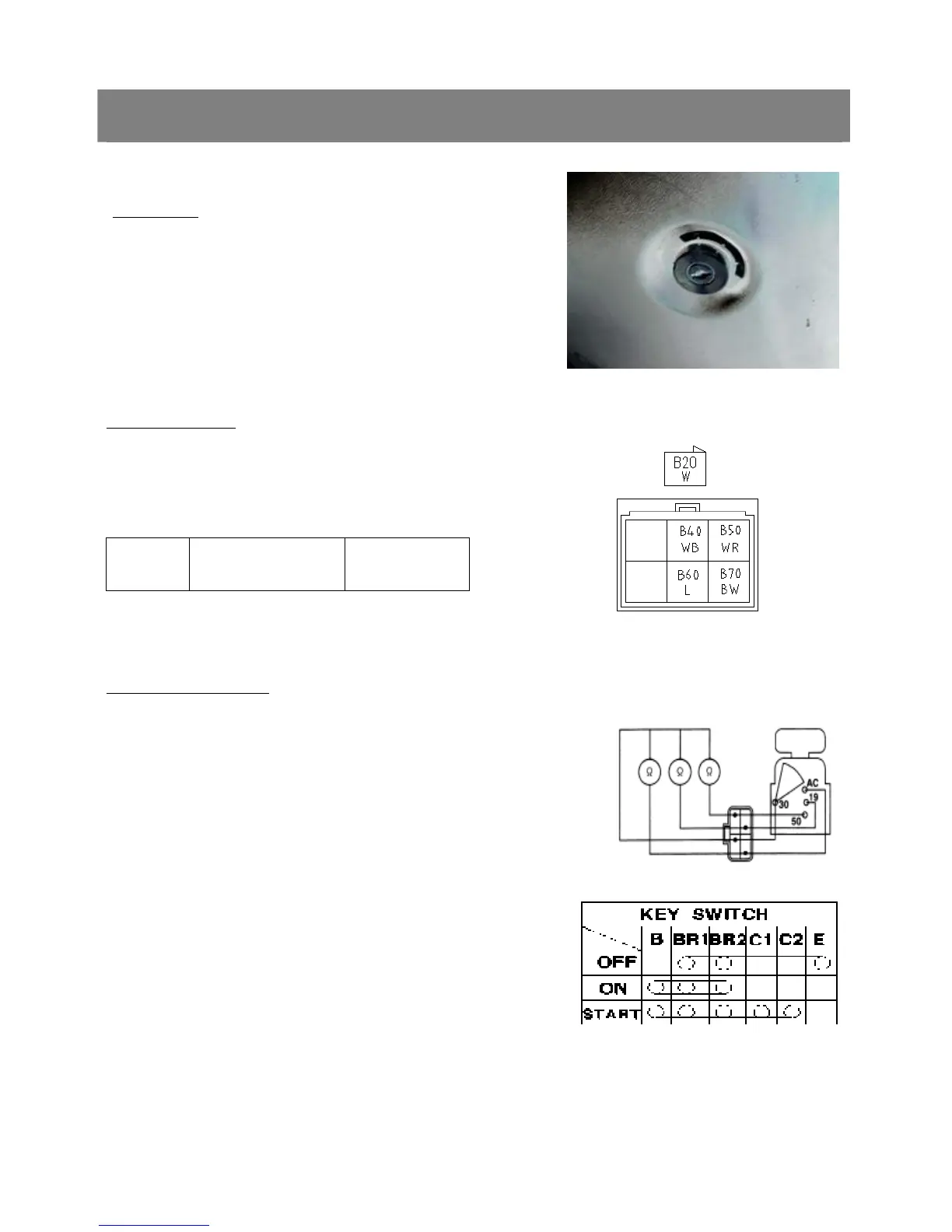
(2) Main Switch(Key Switch)
Main Switch
1. Remove the panel board
2. Disconnect the 4P connector and remove the main switch
3. Perform the following checks.
Connector Voltage
1. Measure the voltage with a voltmeter across
the connector 30 terminal and chassis.
2. If the voltage differs from the battery voltage
(11 to 14 V), the wiring harness is faulty.
Voltage Connector 30
terminal - Chassis
Approx. battery
voltage
Main Switch Continuity
1) Main Switch Key at OFF Position
1. Set the main switch to OFF position.
2. Measure the resistance with an ohmmeter across the 30 terminal
and the AC terminal,30 terminal and 50 terminal, 30 terminal and
19 terminal.
3. If infinity is not indicated, the contacts of the main switch are faulty.
8. CHECKING DISASSEMBLING AND SERVICING



 To Next Page