23 Operating Your Ultrasonic Bath
C P X S e r i e s
Operating your Unit
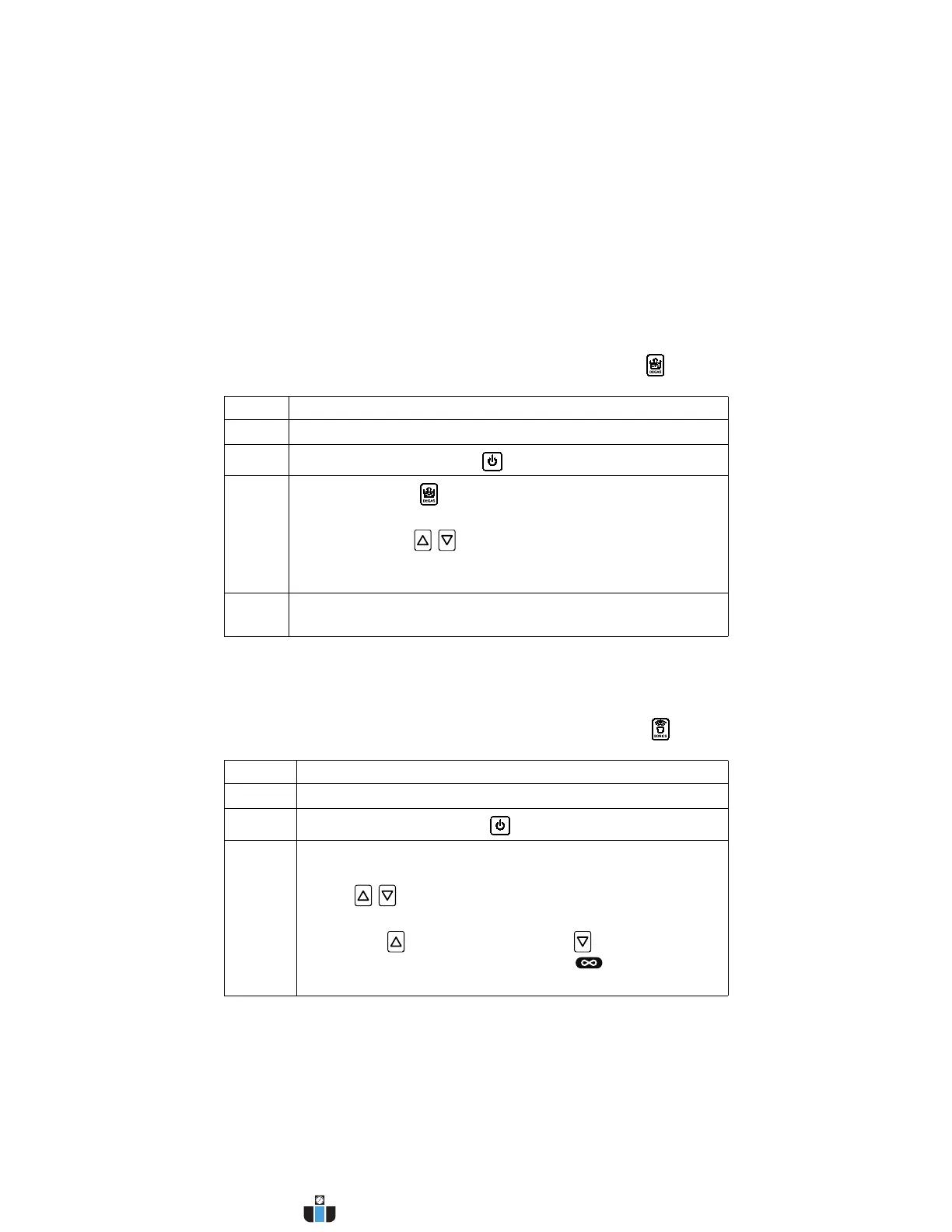
Degassing
For initial cleaning solution degassing.
NOTE: To stop degassing at any time, press the Degas key ( ).
Cleaning Items (Treating Samples)
NOTE: To stop ultrasonics at any time, press the Sonics key ( ).
Step Action
1 Turn Main Power switch on.
2
Press the On/Standby key ( ) to turn on the unit.
3
Press Degas key ( ) once to start the degas process.
Default degas time is 5 minutes.
If necessary, use / keys to alter degas time during a
degas cycle.
NOTE: Refer to page 41 for information on degassing.
4 After completing the degas time, you are ready to set operating
parameters.
Step Action
1 Turn Main Power switch on.
2
Press the On/Standby key ( ) to turn on the unit.
3 Set the amount of time you wish the items to be cleaned, or
select Constant Sonics Mode:
• Use / keys to increase/decrease cycle time (hold for
quick increments/decrements).
• Pressing key from 99 minutes or from 1 minutes
takes you to Constant Sonics Mode ( and “- -” on the
display).
Continued...
www.calcert.com sales@calcert.com1.800.544.2843
0
5
10
15
20
25
30



 To Next Page