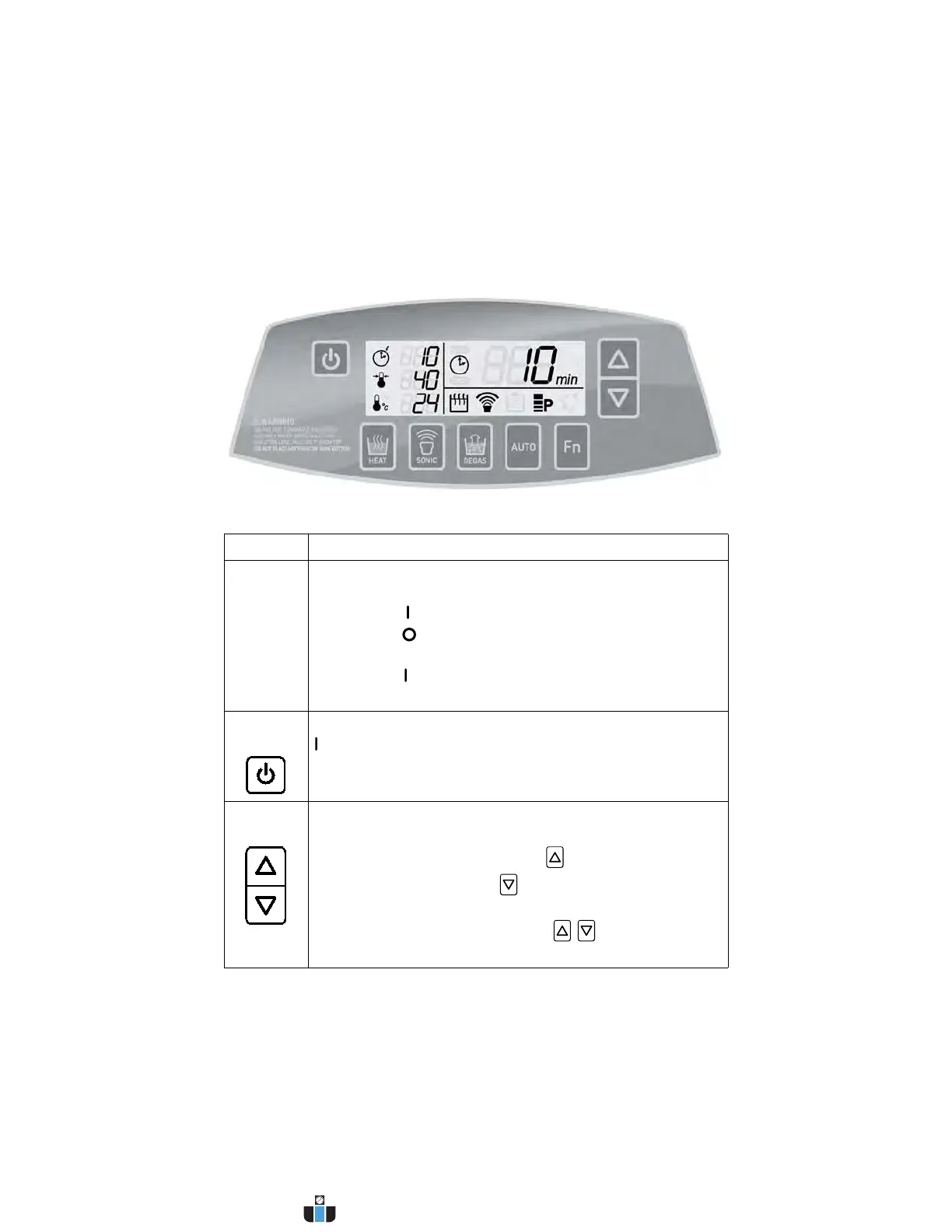
26 Operating Your Ultrasonic Bath
C P X H S e r i e s
Explanation of Controls
CPXH Series Tower
Control Function
MAIN
POWER
SWITCH
This switch is located on the back of the unit, next to the
power cord receptacle.
• Press the (on) side to power on the unit.
• Press the (off) side to power off the unit.
When operating the unit, normally leave the Main Power
switch in the (on) position, and use the On/Standby key to
switch between the operating state and standby state.
ON/
STANDBY
When the Main Power switch on the rear panel is in the
(on) position, press to power on/off the unit.
UP/DOWN
KEYS
Press to increase/decrease ultrasonic or degassing cycle
time (hold for quick increments/decrements).
Time values are circular, pressing from 99 minutes takes
you to 1 minutes. Pressing from 1 minutes takes you to
99 minutes.
If the Fn key was pressed, use the / keys to adjust
function settings.
Continued...
www.calcert.com sales@calcert.com1.800.544.2843
0
5
10
15
20
25
30



 To Next Page