27 Operating Your Ultrasonic Bath
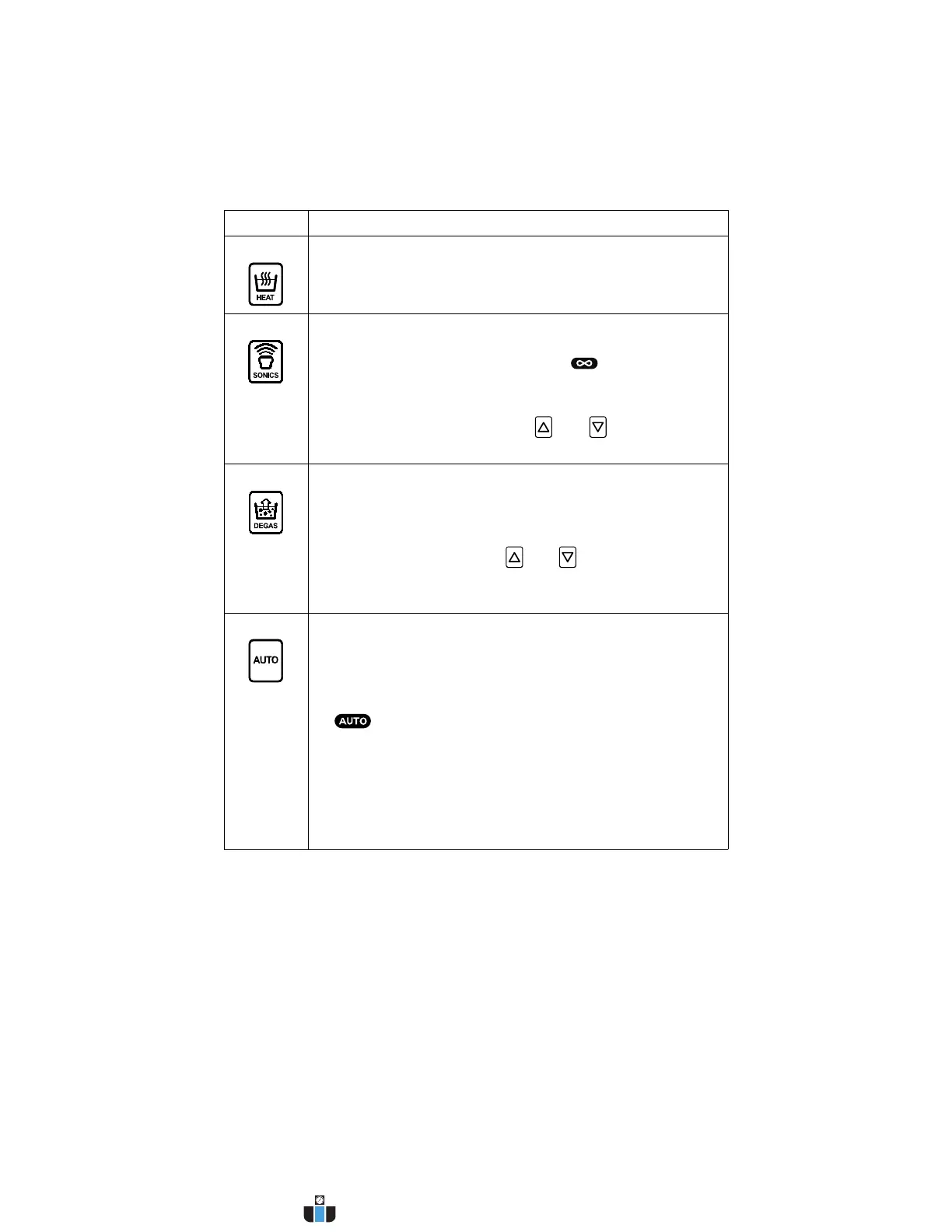
HEAT Press to turn heater on/off.
Heater will shut off when set temperature is attained.
SONICS Press to activate ultrasonics. If running in Timed Mode, a
timer will begin to count down and ultrasonics will stop at
0 minutes. In Constant Sonics Mode ( and “- - -” on the
display), timer has no function.
Press key again to deactivate ultrasonics.
If running in Timed Mode, press and keys to adjust
the ultrasonic cycle time (adjustable from 1 to 99 minutes).
DEGAS Press to degas the solution or to run a degas application.
The degas timer will begin to count down from its current
setting and degassing will stop at 0 minutes.
Press key again to stop degassing the solution.
During a degas cycle, press and keys to adjust degas
time (adjustable from 1 to 99 minutes).
NOTE: Refer to page 41 for information on degassing.
AUTO Press to begin an auto cycle. In Auto Mode, the following
actions are carried out automatically by the controller:
• Heater is turned on to bring bath to set temperature.
• When set temperature is reached, ultrasonics are
activated. The unit will abort the auto cycle and flash the
icon if set temperature is not reached within a
120-minute period.
• When ultrasonics timer reaches 0 minutes, the auto cycle
is finished.
If at any point during an auto cycle the degas key is pressed,
a degas cycle will begin. If ultrasonics has already started,
the ultrasonics timer will restart after the degas period.
Continued...
Control Function
www.calcert.com sales@calcert.com1.800.544.2843
0
5
10
15
20
25
30



 To Next Page