- 33 -
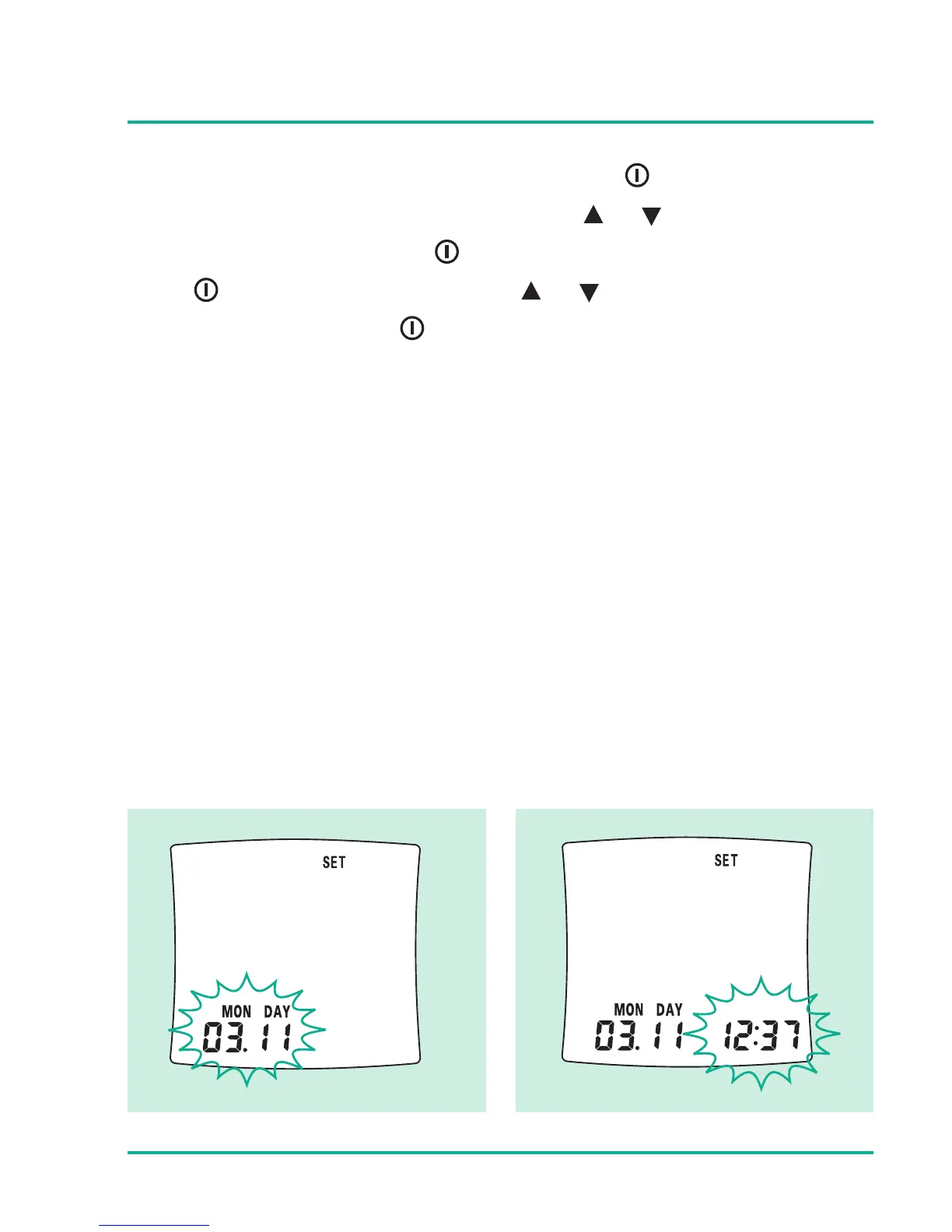
With the correct year on display, press the button and the
month setting will start flashing. Press or button to select
the month and then press button to set the day. After that
press button to set time. Press or button to select the
appropriate hour, press button to set minutes.
YR - Year
MON - Month
DAY - Day






 To Next Page