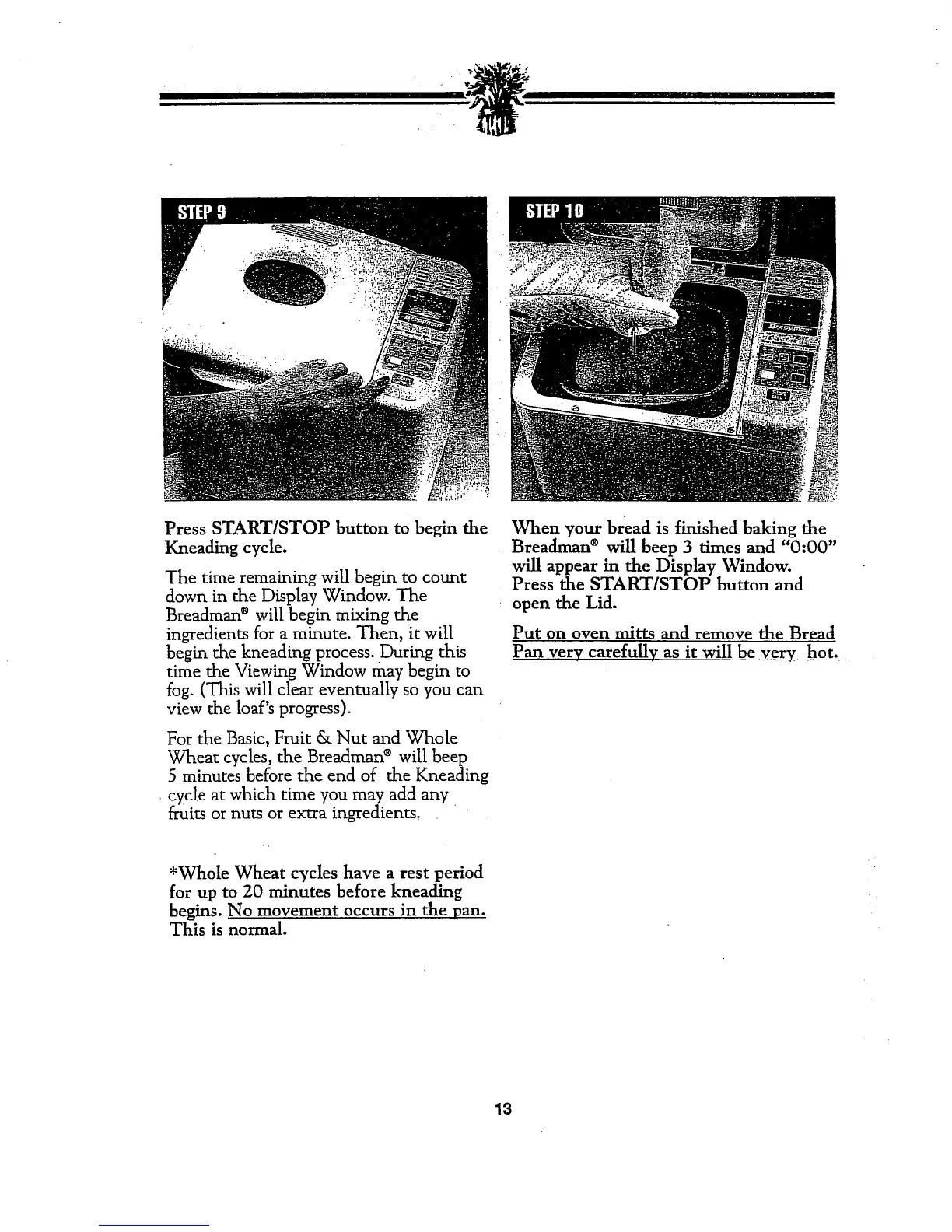
Press START/STOP button to begin the
Kneading cycle.
The time remaining will begin to count
down in the Display Window. The
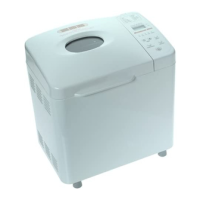
Breadman ®will begin mixing the
ingredients for a minute. Then, it will
begin the kneading process..During this
time the Viewing Window may begin to
fog. (This will clear eventually so you can
view the loaf's progress).
For the Basic, Fruit & Nut and Whole
Wheat cycles, the Breadman ®will beep
5 minutes before the end of the Kneading
cycle at which time you may add any
fruits or nuts or extra ingredients,
*Whole Wheat cycles have a rest period
for up to 20 minutes before kneading
begins. No movement occurs in the pan.
This is normal.
When your bread is finished baking the
Breadman ®will beep 3 times and "0:00"
will appear in the Display Window.
Press the START/STOP button and
open the Lid.
Put on oven mitts and remove the Bread
Pan very carefully as it will be very hot.
13



 To Next Page