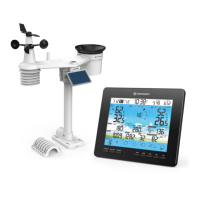
48
4. Barriers. Radio signal are blocked by metal barriers such as aluminum cladding. Please align the
sensor array and display console to get them in clear line of sight through window if you have metal
cladding.
The table below show a typical level of reduction in signal strength each time the signal passed through
these building materials
MATERIALS SIGNAL STRENGTH REDUCTION
Glass (untreated) 10 ~ 20%
Wood 10 ~ 30%
Plasterboard / drywall 20 ~ 40%
Brick 30 ~ 50%
Foil insulation 60 ~ 70%
Concrete wall 80 ~ 90%
Aluminum siding 100%
Metal wall 100%
Remarks: RF signal reduction for reference
3.4 SETUP THE CONSOLE
Follow the procedure to setup the console connection with sensor(s) and WI-FI.
3.4.1 POWER UP THE DISPLAY CONSOLE
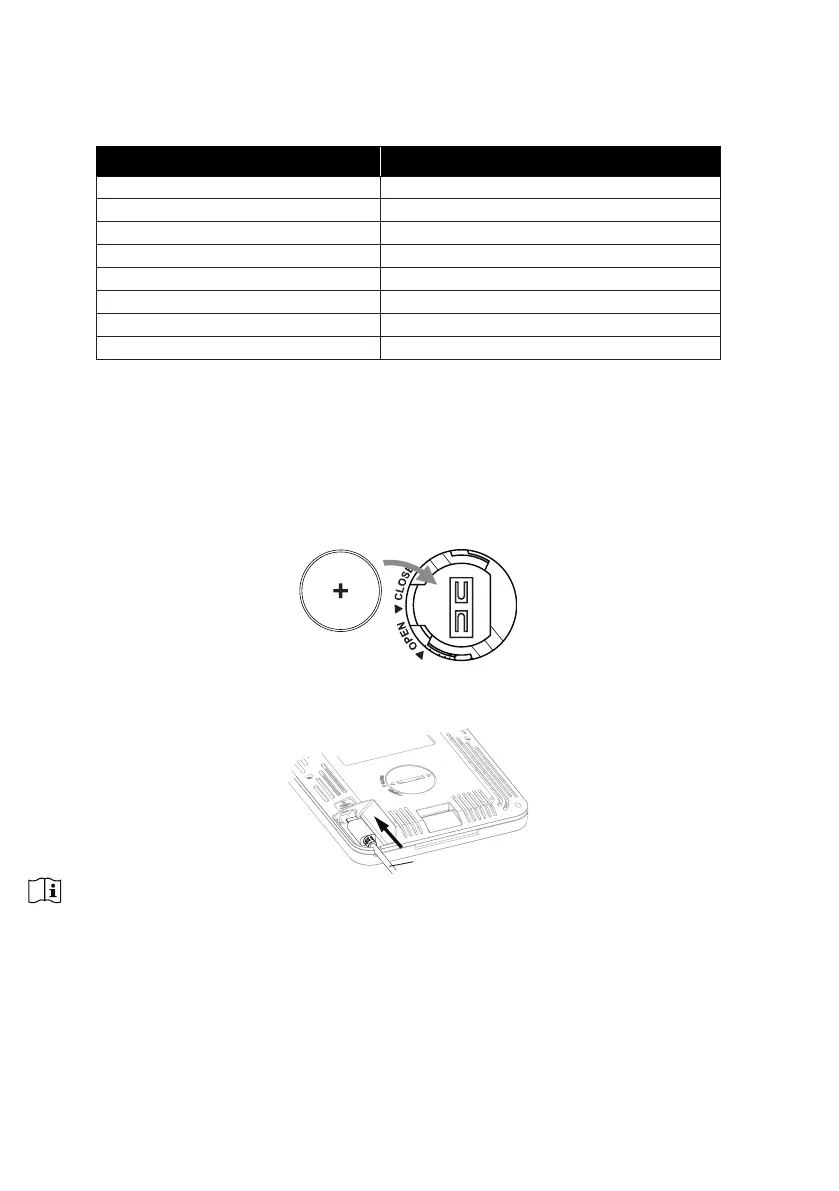
1. Install the back-up CR2032 battery
2. Connect the display console power jack to AC power with the adaptor included.
USB cable
NOTE:
- The backup battery can backup: Time & Date & Max/Min weather records, rainfall records, Alert setting
values, oset value of weather data and sensor(s) channel history.
- The built-in memory can backup: WI-FI setting, Hemisphere setting, Calibration values, and Sensor ID of
paired sensor(s).
- Please always remove the back-up battery if the device is not going to be used for a while. Please keep
in mind that even when the device is not in use, certain settings, such as the clock, alert settings and
records in its memory, will still drain the back-up battery.


 To Next Page