50
4. DISPLAY CONSOLE FUNCTIONS AND OPERATION
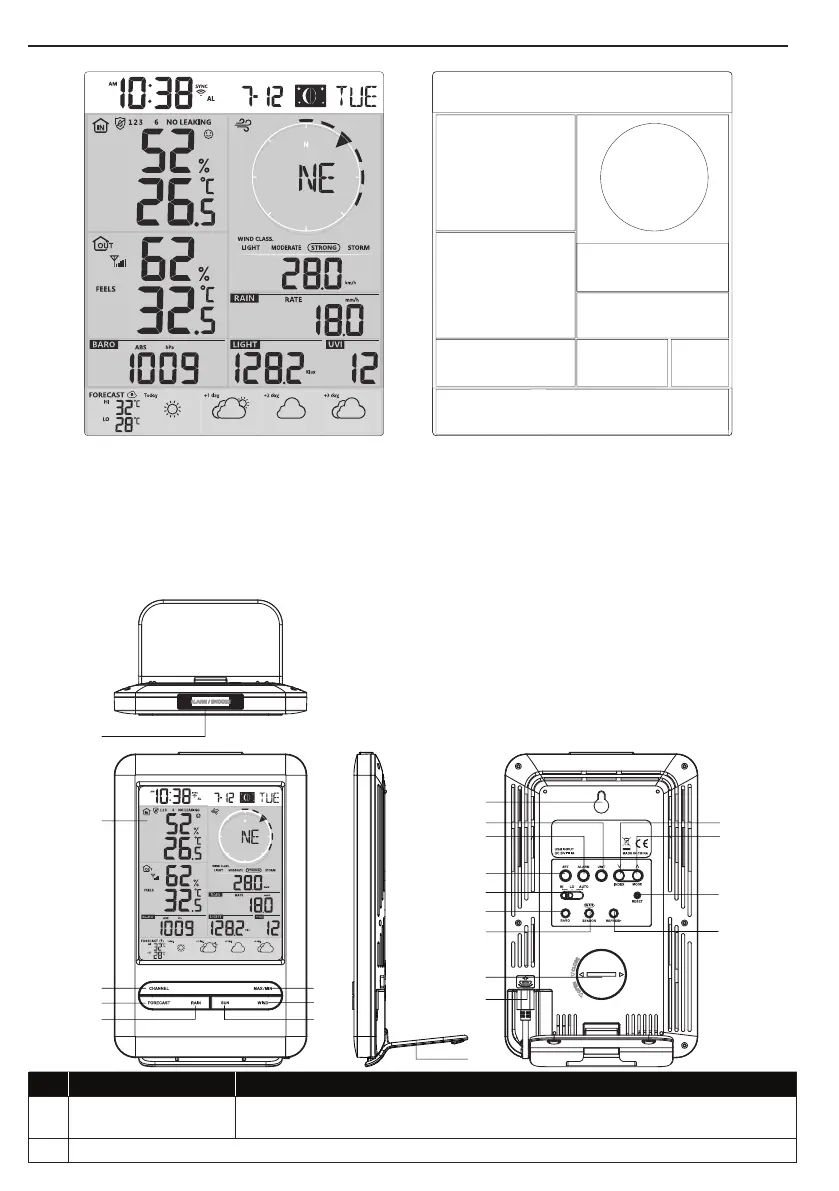
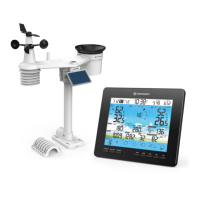
4.1 SCREEN DISPLAY
1
2
3
5
6
7
10
98
4
1. Time & Date, moon phase 6. Wind speed
2. Indoor / CH temperature & humidity 7. Rainfall & Rain rate
3. Outdoor temperature & humidity 8. Light intensity
4. Barometer 9. UV index
5. Wind direction 10. Today and 3 days Weather forecast
4.2 DISPLAY CONSOLE KEYS
6
7
8
12
13
10
14
15
16
17
18
11
No. Key / Part Name Description
1 ALARM/SNOOZE/
During alarm, press to stop the alarm, press and hold for 2 seconds to stop
current snooze.
2 Display screen


 To Next Page