www.bresser.de
③ Remove the packing bag and
remove the tape and the protective
plastic cover of the front flap.
④ The accessories are shown here. •
Remove the package and take out
accessories carefully!
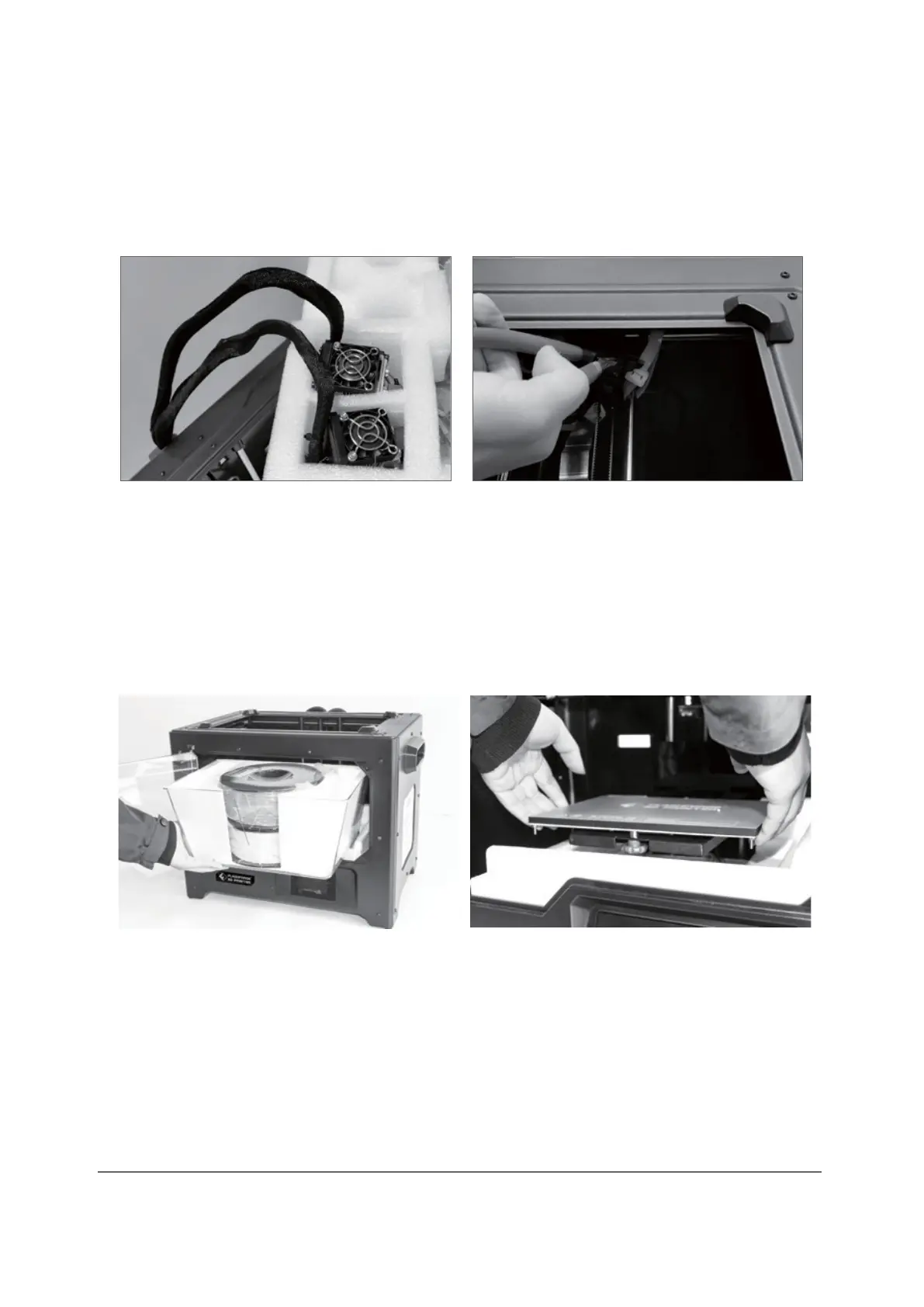
⑤ Remove the extruder and set it up
carefully. The nozzle must not touch
the table so that the nozzle remains
protected from scratches
⑥ Take out the foam with the accessories.
Cut the two cable ties on both sides
of the X-axis guide rod.
⑦ Open the flap, remove the top cover
of the printer and release the
filament from the cover.
⑧ Hold both sides of the pressure
platform and lift the platform off the
floor to make it easier to remove the
foam box underneath.



 To Next Page