www.bresser.de
2.2 Unpacking and installation
Unpacking
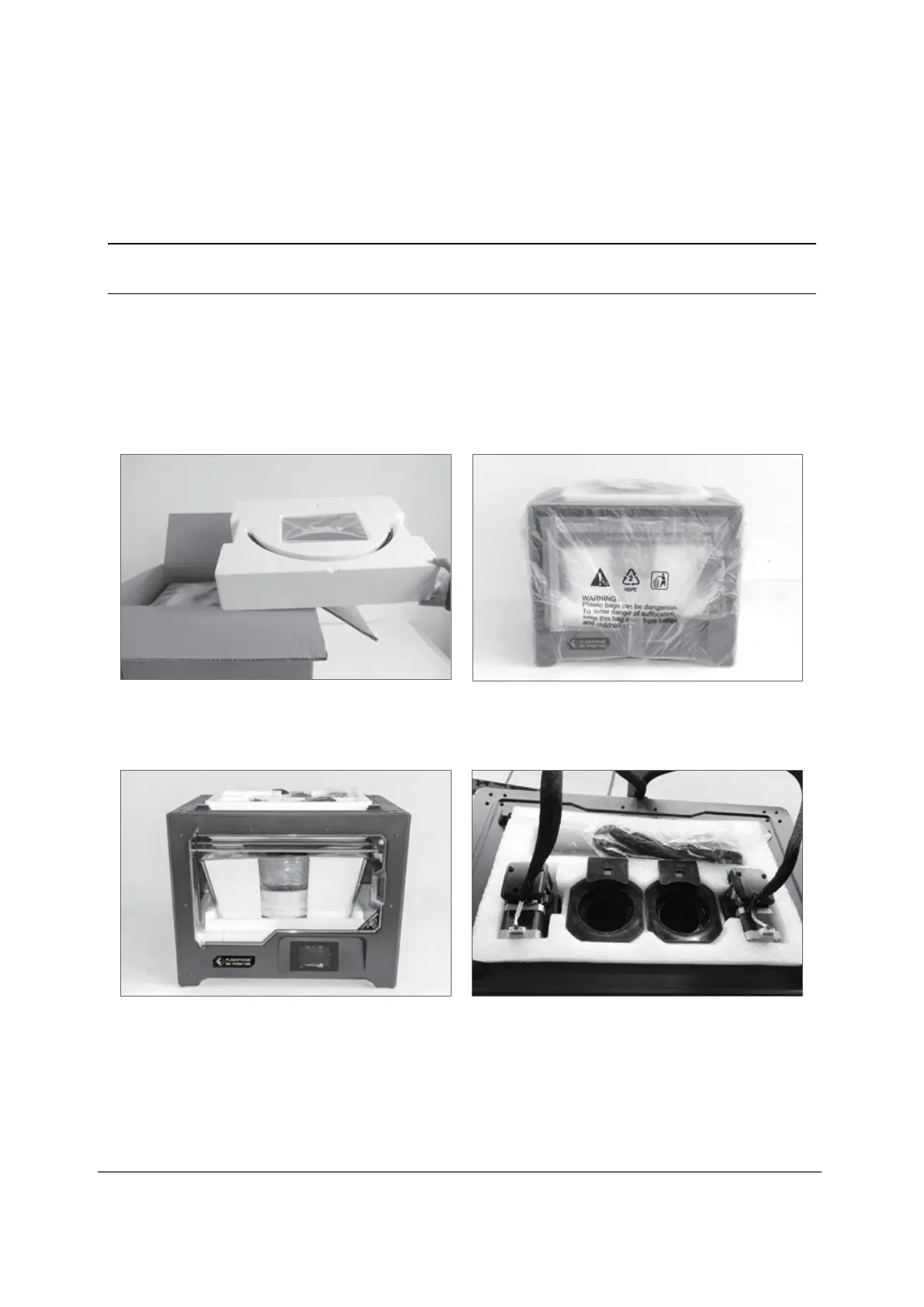
This chapter describes how to unpack completely the 3D Printer.
Note:
Please read the unpacking guide completely.
1. Remove the packaging and carefully take out the contents.
Do not use force.
2. Do not remove the yellow high temperature tape around
the nozzle. It exhibits thermal insulation and high
temperature resistance properties.
① Open the box and take out the foam
parts.
② Hold both handles on the two sides
of the printer. Lift it out of the box
and place it on a stable surface.



 To Next Page