www.bresser.de
2.3 The initial setting
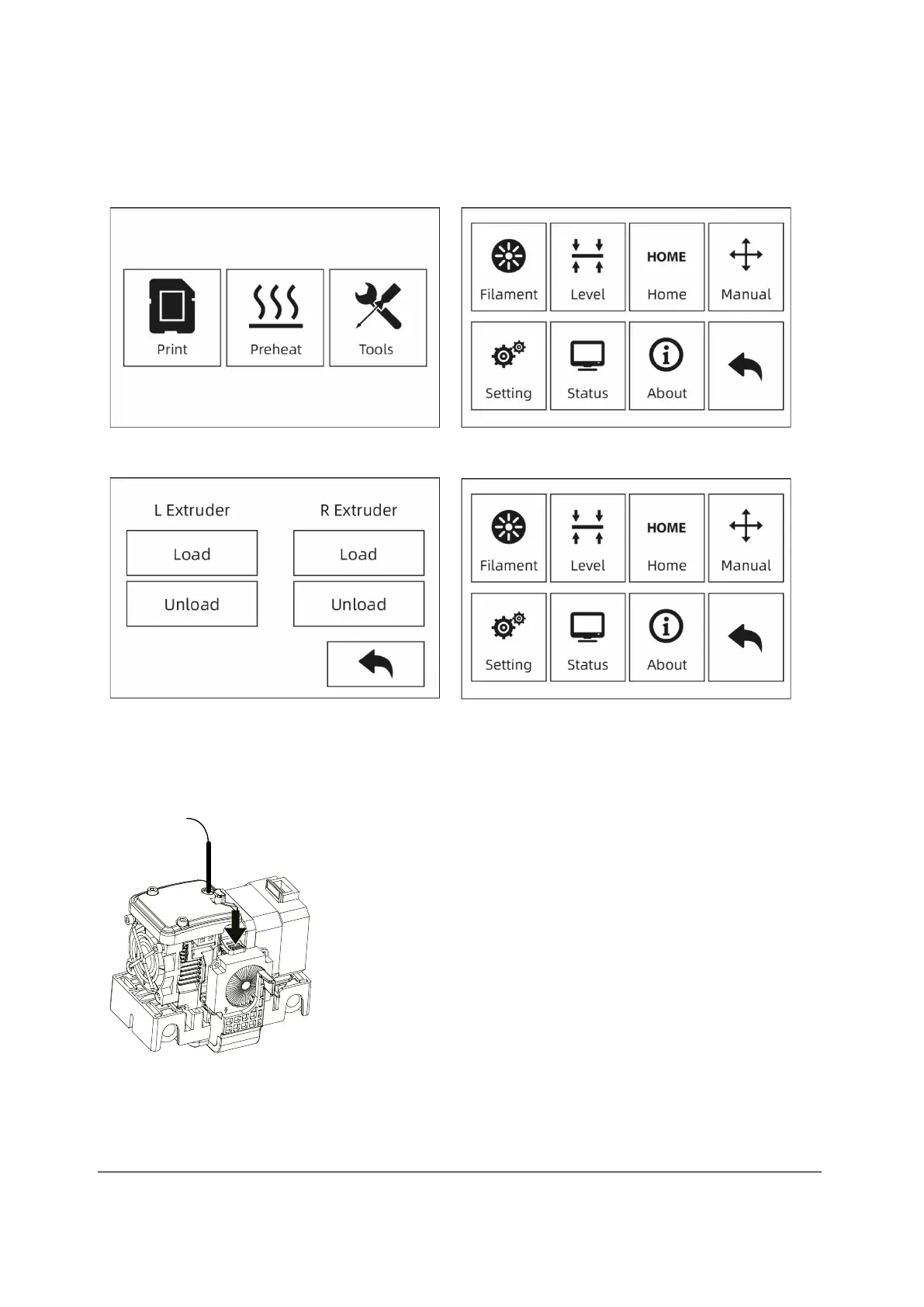
Loading/Unloading filament
① Tap the [Tools]-[Filament] button
② Click the [Load] button. The extruder warm-up process begins. Once the target
temperature has been reached, please feed the filament into the filament feed
wheel by hand. When filament comes out of the nozzle, the loading process is
complete.
③ Tap the [Unload] button. The extruder warm-up process begins. Once the target
temperature has been reached, feed some of the filament out of the nozzle by
hand. Then push down the spring retainer, quickly pull out the filament and finish
unloading.



 To Next Page