www.bresser.de
3.3 How do I create a .g file?
By default, the left extruder is used as the material extruder; the right extruder is the
printing extruder. When printing a monochrome model, the right extruder is
automatically set as the print extruder unless this setting is changed by the user.
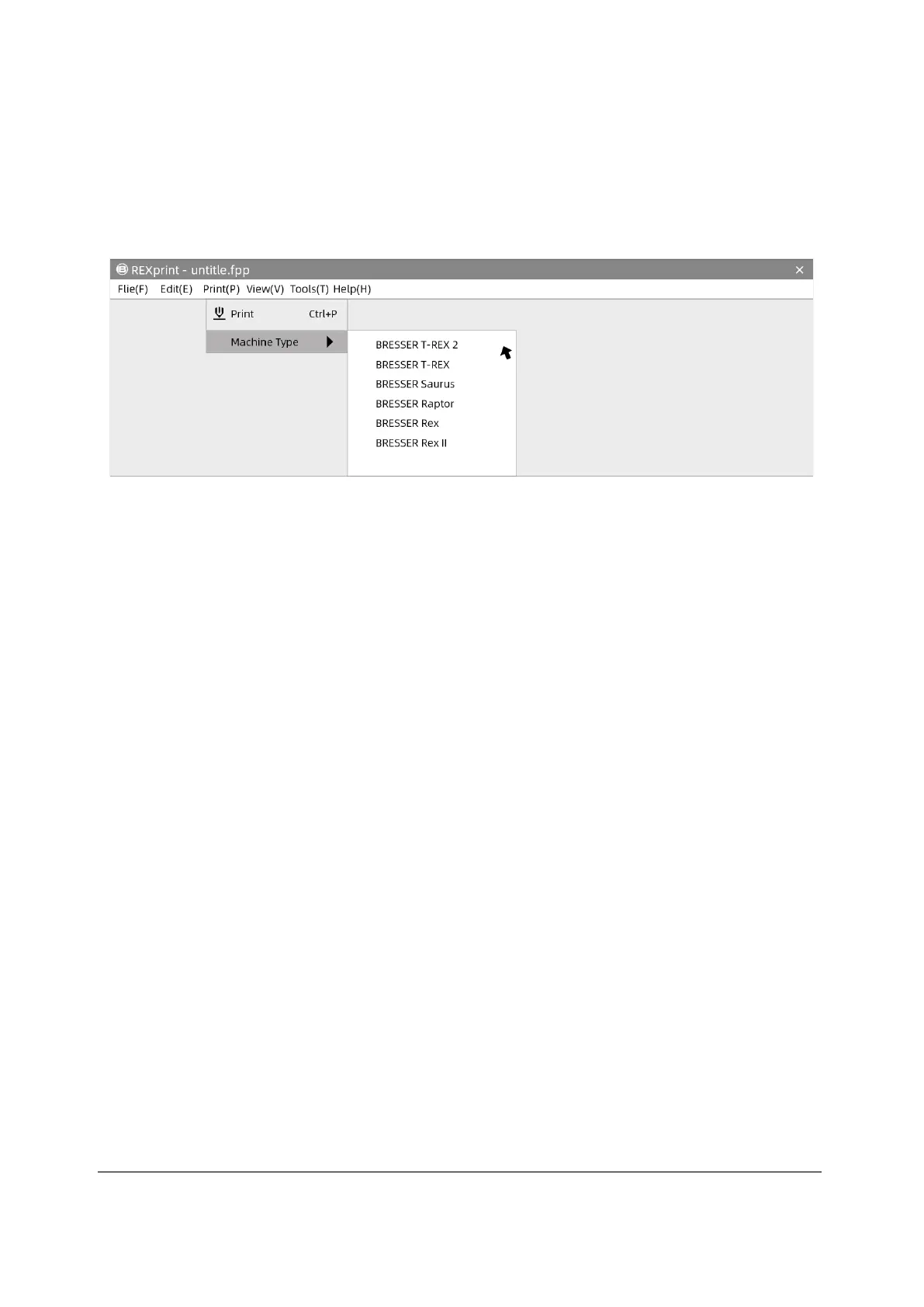
① Click [Print]-[Machine Type] for the printer model selection.



 To Next Page