www.bresser.de
3.2 Get to know REXprint
Note:
BRESSER T-REX 2 supports printing from REXPrint via USB cable.
3.2.1 Selection of the device type
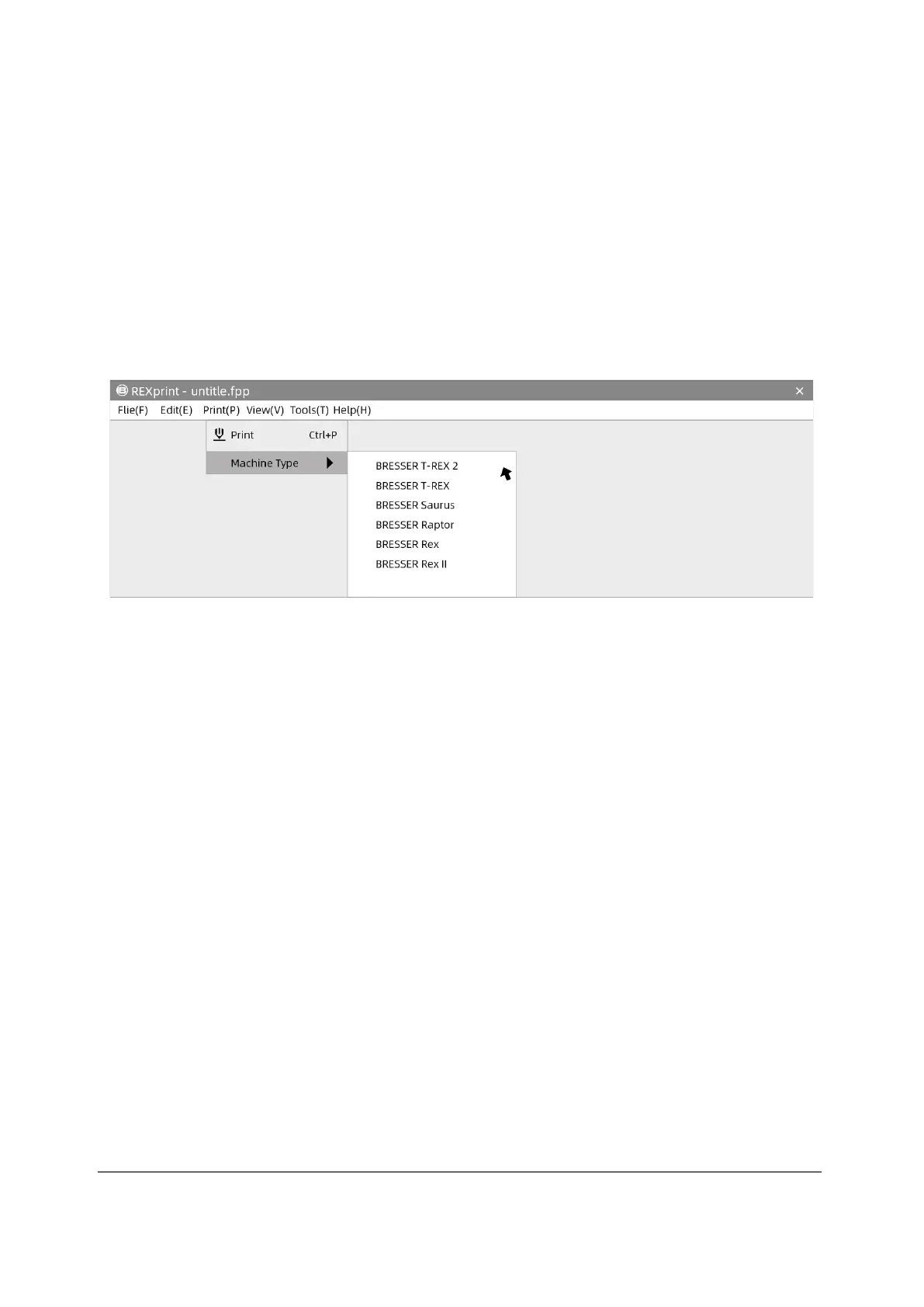
Attention! After starting REXPrint, you must first select the device type.
A dialogue box opens when you start REXprint. Select BRESSER T-REX 2 from the
list of displayed device types and tap [OK]. You can also change the machine type
by touching [Print]-[Machine Type]. See the figure below:



 To Next Page