www.bresser.de
2.4 Touchscreen Interface - Introduction
Print surface
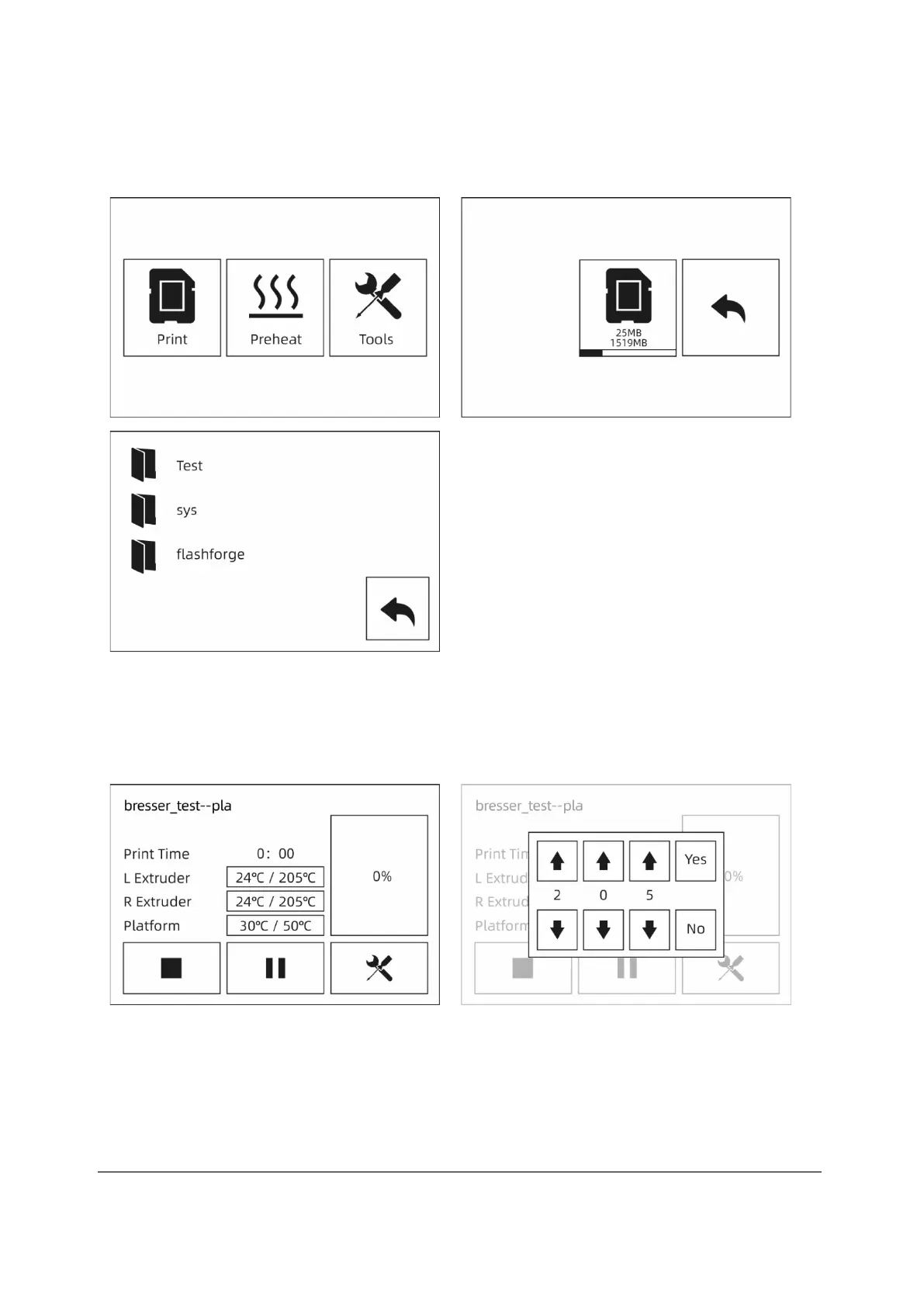
① Insert the SD card to the side of machine. During printing, the SD card must be
inserted into the printer, regardless of whether you are printing from the SD card
or connecting REXprint via a USB cable.
Touch [Print]-[SD Card] and select the files to print.
② To change the temperature, touch the extruder or platform temperature display on
the touchscreen.



 To Next Page