www.bresser.de
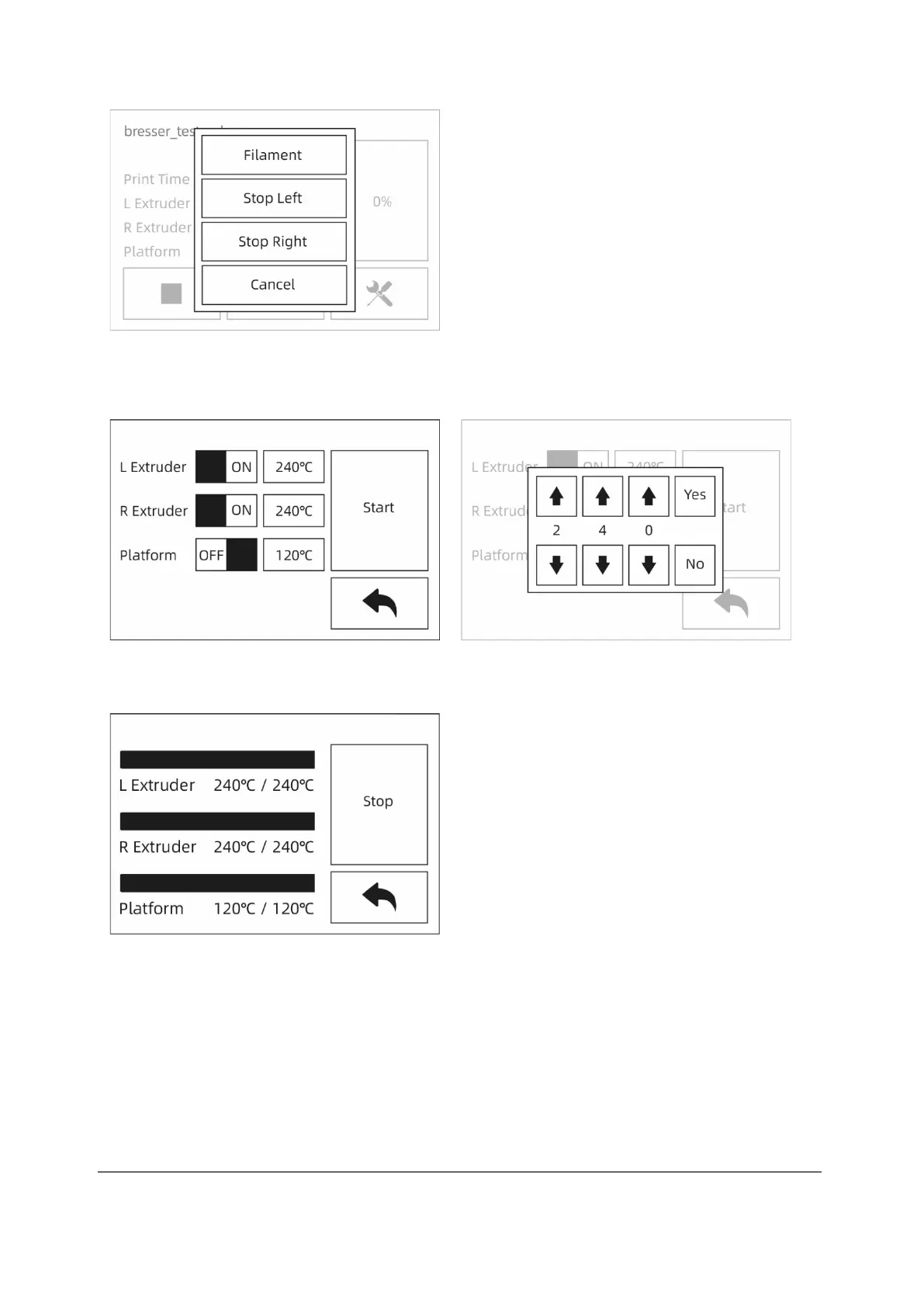
③ Touch [More] to pause printing or to replace the filament during printing.
Preheat surface
① Touch [Preheat] to preheat the extruder or platform. Set the target temperature
by touching it on the touchscreen.
② Touch [Stop] to stop the warm-up. Touch the black arrow to return to the main
window. As soon as the desired preheating temperature is reached and if no
further entries are made, the preheating process stops.



 To Next Page