ALTA EVOLUTION / EVOLUTION GT … User manual
ALTA EVOLUTION / EVOLUTION GT
1.3.2. SWITCHING THE MACHINE OFF
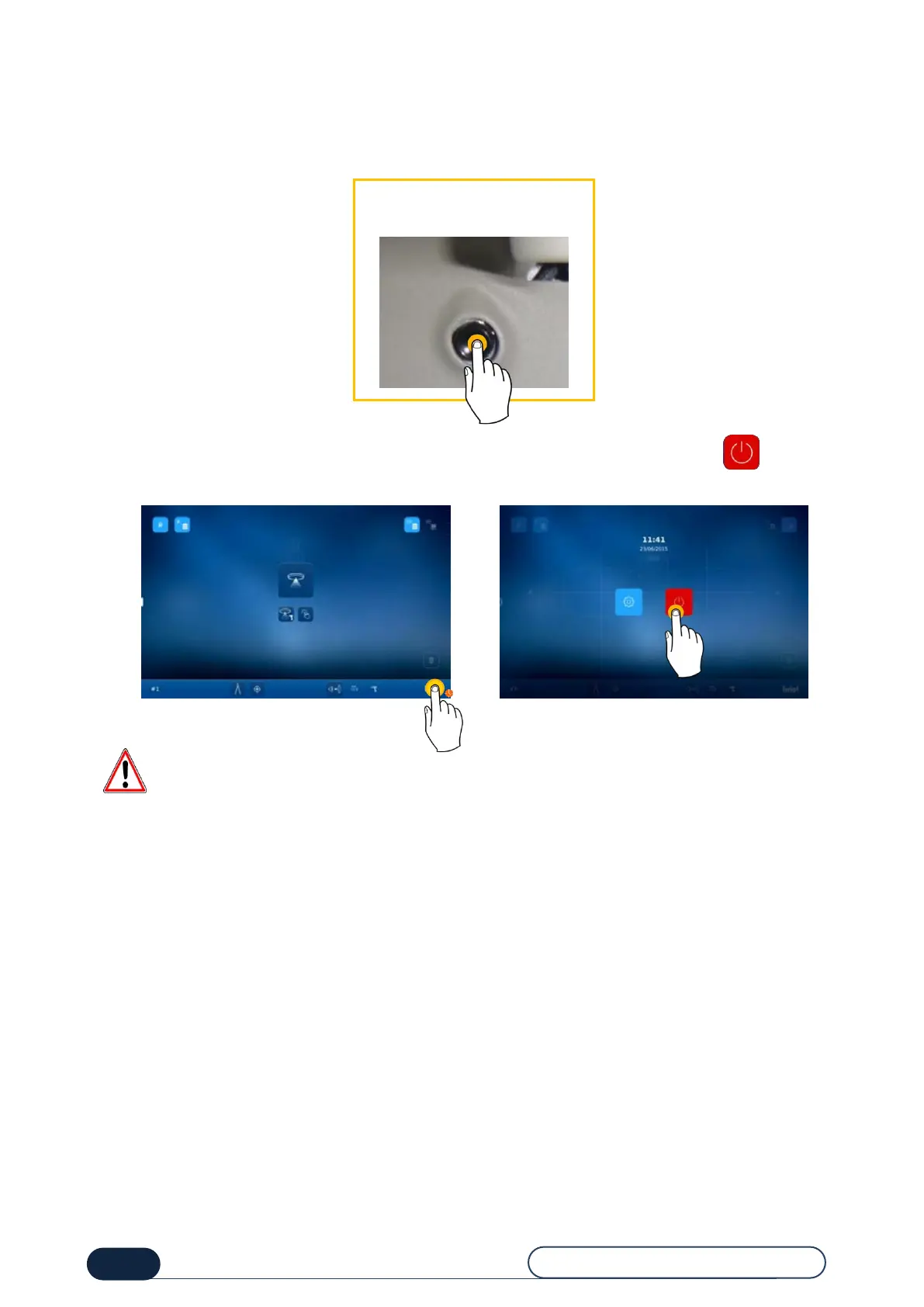
To turn off the machine properly, follow the steps below:
Or press and hold on the Briot logo on the lower right corner of the screen (1), and then a button will appear.
Press it to turn off the machine (2).
Before carrying out work on the machine, wait for the bearing surface to go off before pressing the Start/Stop
switch located at the rear of the machine and disconnect the power cable from the mains supply.
Press the pushbutton,
located at the bottom front
left of the machine.



 To Next Page