ALTA EVOLUTION / EVOLUTION GT … User manual
1
ALTA EVOLUTION / EVOLUTION GT
3.3.8.4. CENTERING A PROGRESSIVE LENS
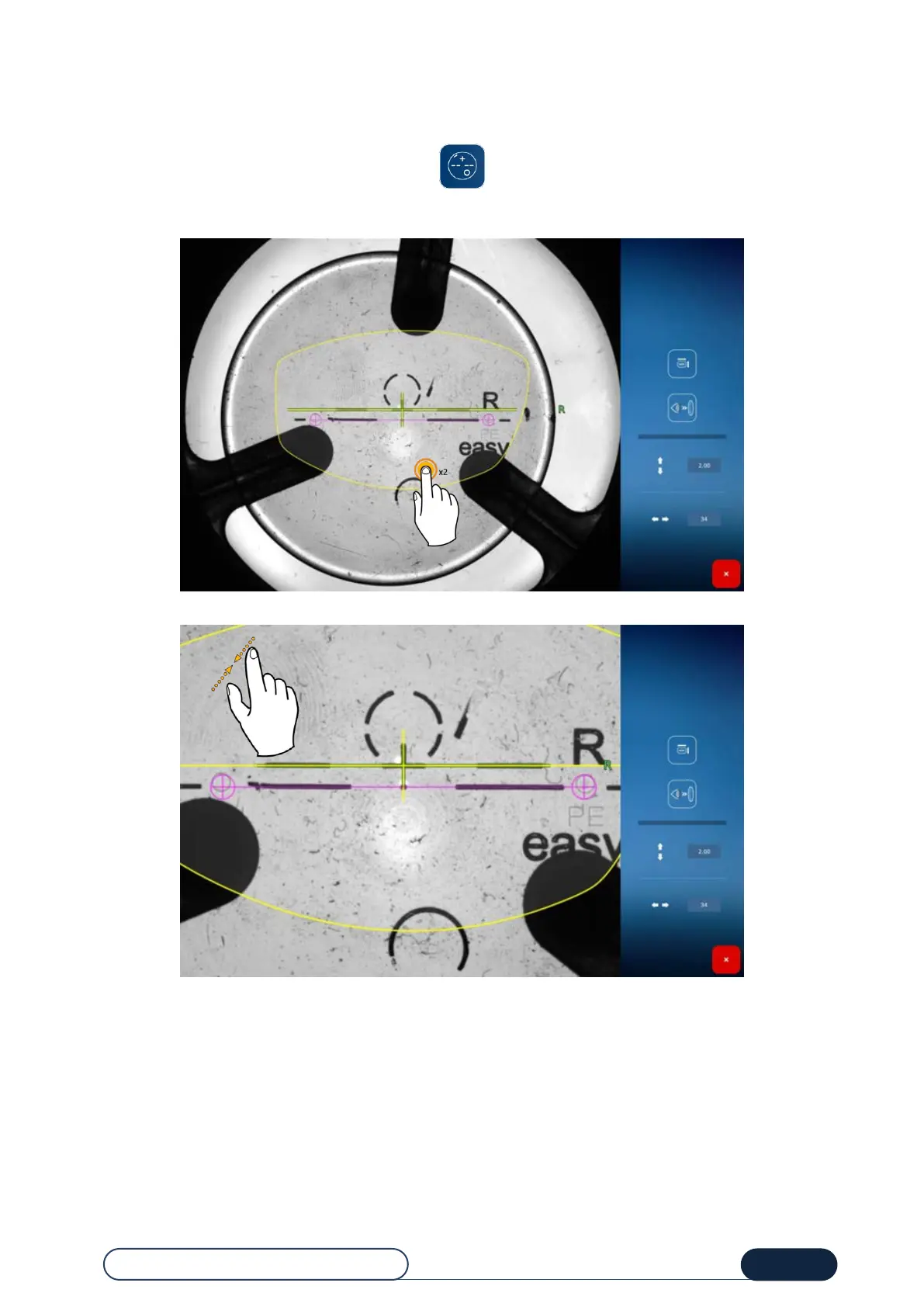
Manually position the lens, by aligning the black cross on the centering cross (green):
Check the alignment by zooming in on the location of the micro-engravings. They must be in the centering circles.
Once the position is defined, confirm the centering by blocking the lens (see lens blocking procedure in 3.3.9.1)
Once the blocking is done, the screen will be exited automatically. The return to the centering screen marks the
blocking.
Distance between the
centering cross and
the micro-engravings
Manual brightness
adjustment
Width between the
micro-engravings



 To Next Page