ALTA EVOLUTION / EVOLUTION GT … User manual
ALTA EVOLUTION / EVOLUTION GT
4.2. SETTINGS SCREENS
CUSTOMIZATION MENU
4.2.1.
You have now selected the Customization screen :
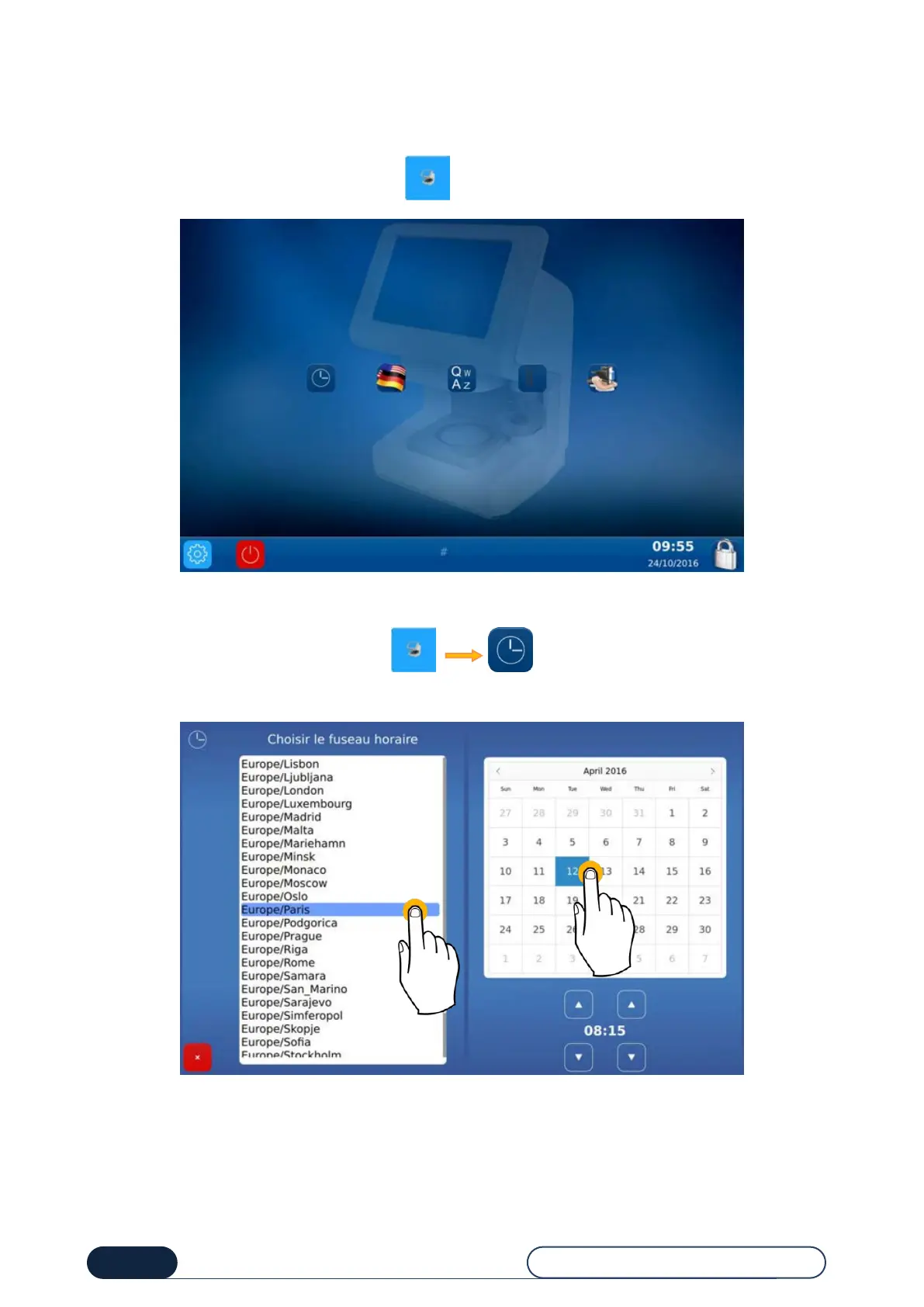
4.2.1.1. CONFIGURE DATE AND TIME
To configure the date and time of your machine, proceed as follows:
Change the time zone before changing the time.



 To Next Page