ALTA EVOLUTION / EVOLUTION GT … User manual
ALTA EVOLUTION / EVOLUTION GT
3.1. DESCRIPTION
TOUCH GESTURES
3.1.1.
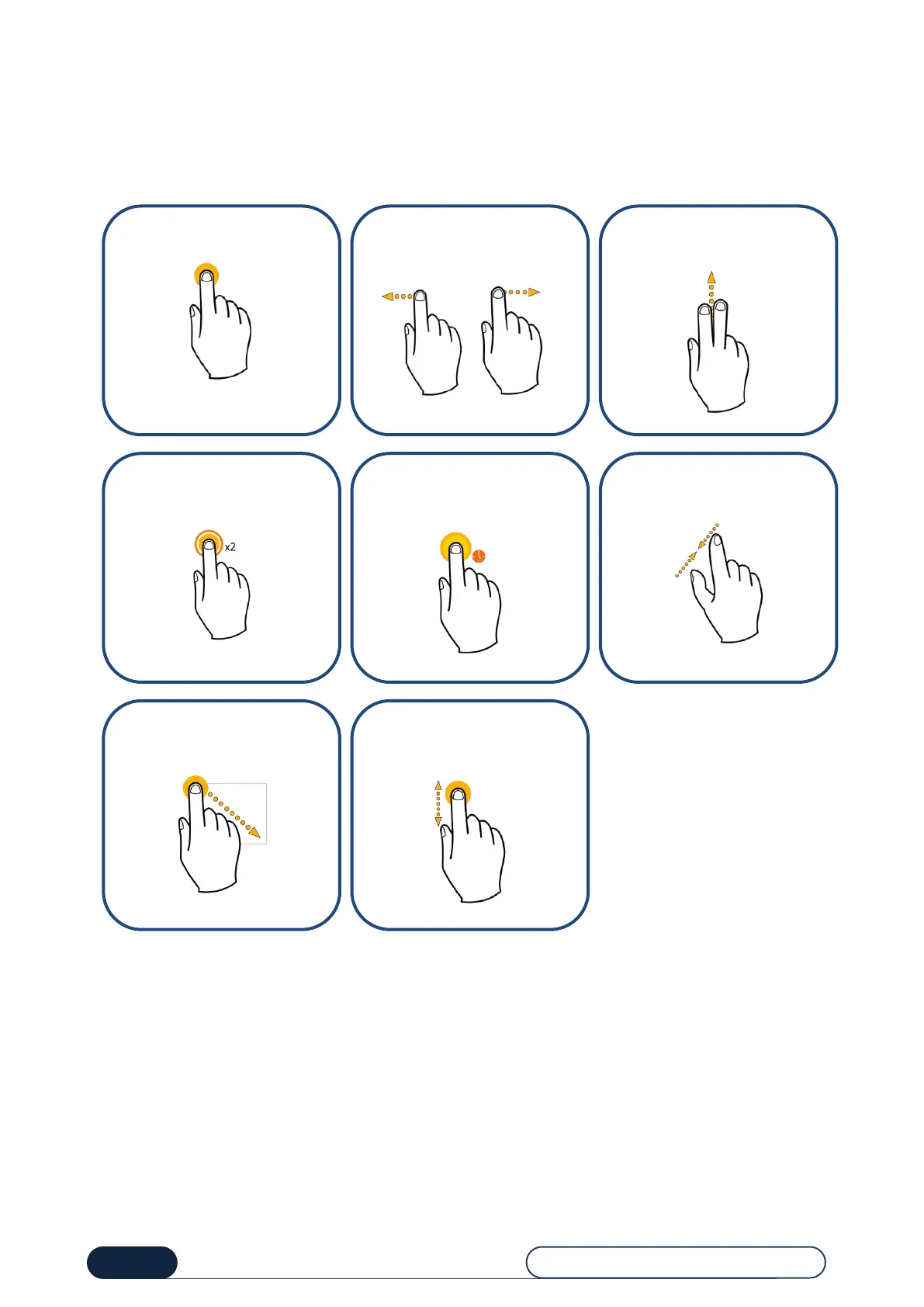
To help you browse in this manual, the symbols listed opposite represent the motions to be reproduced on your touch
screen.
Tap with the index finger.
Press and swipe the index
finger to the left or right.
Scroll your fingers upwards on
the screen.
Tap the screen twice to make
a double-click.
Make a long press on the
screen with the index finger.
Pinch the screen between the
index finger and the thumb.
Draw the index finger along
the diagonal of the selection
rectangle
Press and swipe upwards or
downwards



 To Next Page