ALTA EVOLUTION / EVOLUTION GT … User manual
1
ALTA EVOLUTION / EVOLUTION GT
NOTE: The oversize values are accumulated.
For example: The total oversize in mode (++) corresponds to adding the default oversize + the oversize (+) + the oversize
(++)
The oversizes are applied to the shape width. The change will be made proportionally on the whole shape.
* Don't check the box if your edger does not manage offset blocking.
INFORMATION MENU 4.2.2.
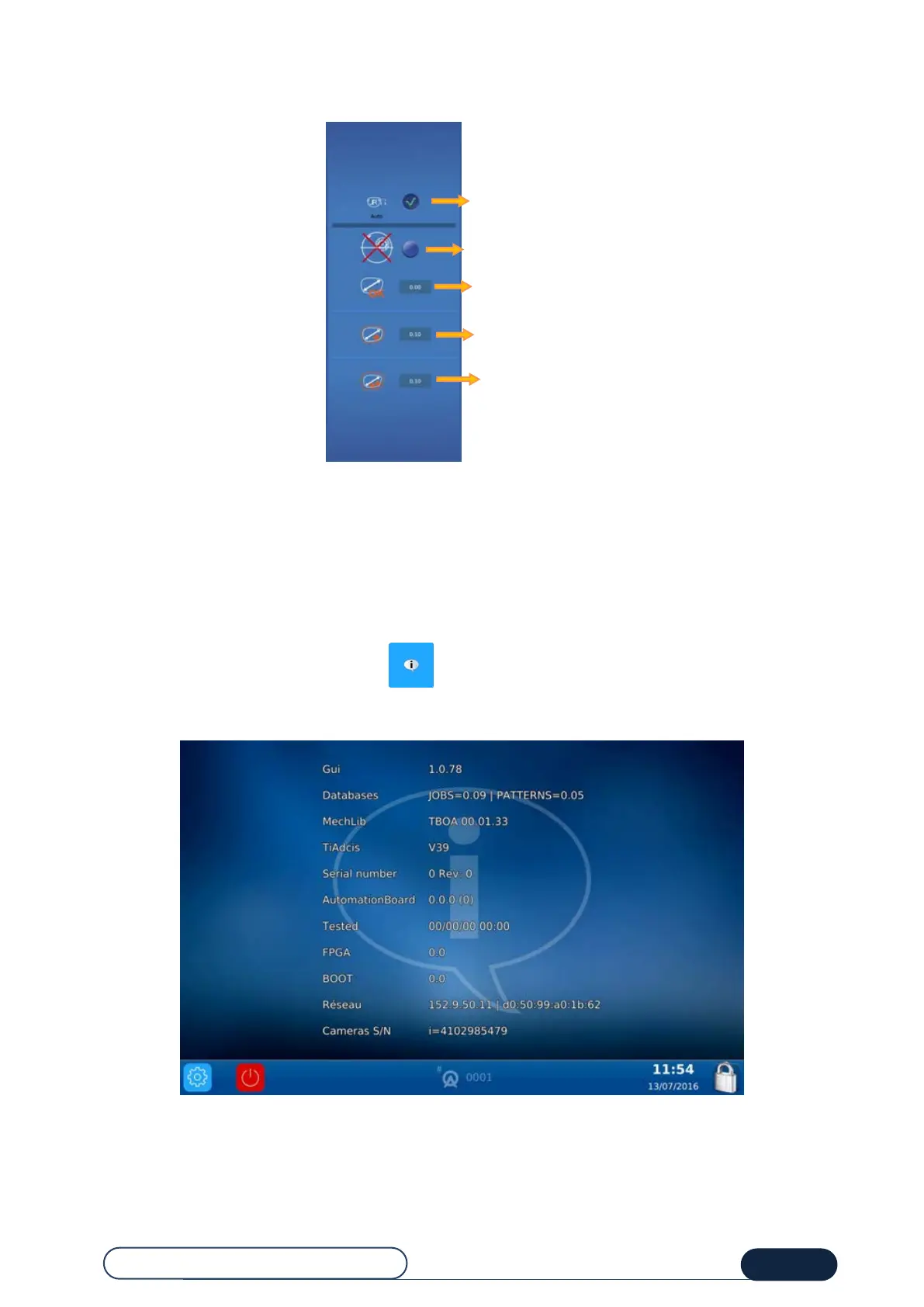
You have now selected the information screen :
This screen provides you with information about the machine's characteristics if needed when calling the technical
department.
Automatic detection of side in optical plotter
Activation/Deactivation of offset blocking*



 To Next Page