ALTA EVOLUTION / EVOLUTION GT … User manual
1
ALTA EVOLUTION / EVOLUTION GT
3.3. DESCRIPTION OF SCREENS
PRESENTATION OF THE MAIN SCREENS
3.3.1.
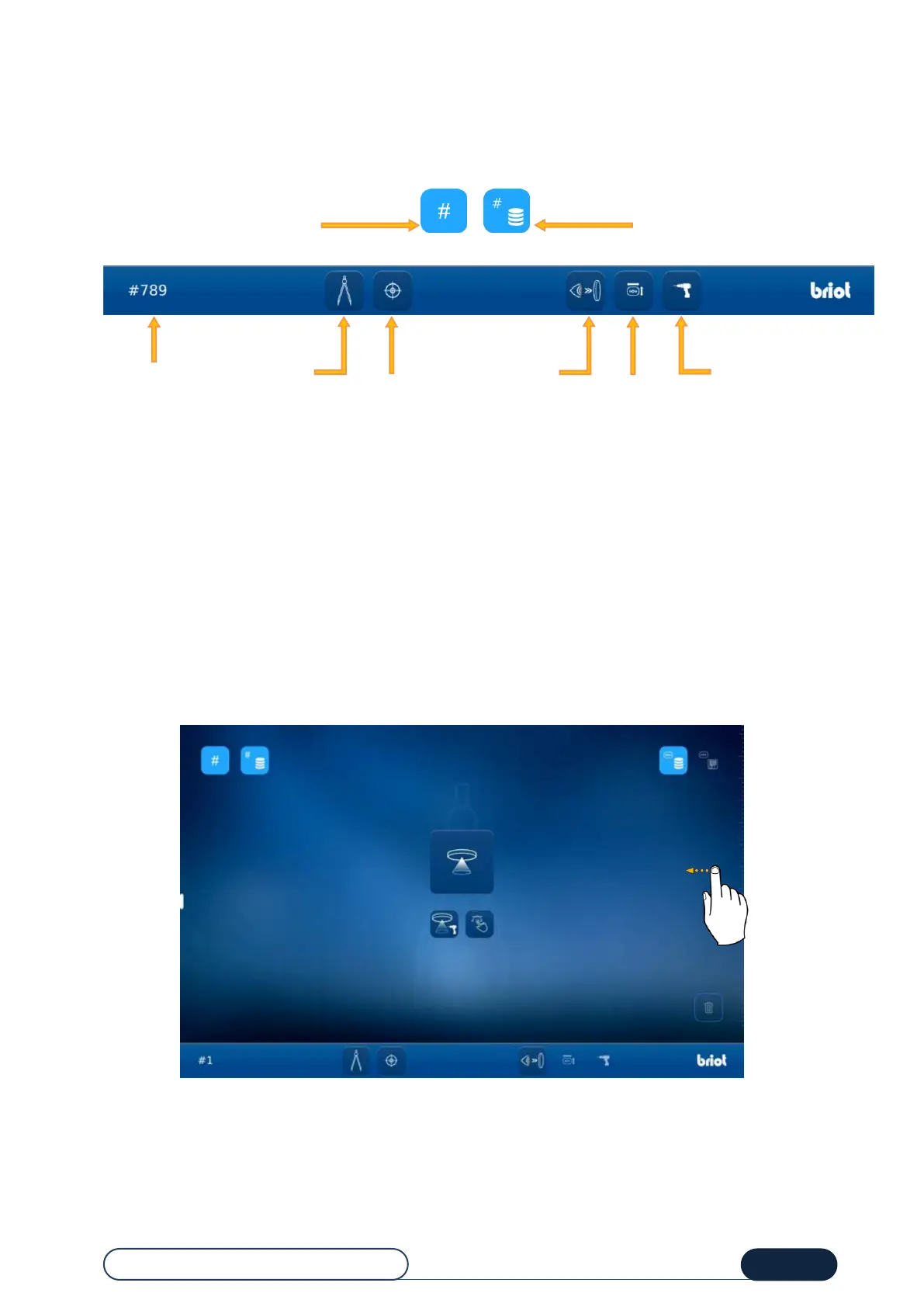
The areas described below are common to the two main screens.
You can browse between the entry screen and the centering screen, either by pressing the buttons described above, or
through tactile movement (see screens below)
3.3.1.1. ENTRY SCREEN AND JOB CREATION
The screen below is displayed after the machine is initialized at start-up.
From this screen, you can access the following functions:
Calling up a Job,
GravitechTM optical plotting,
Loading a pattern,
Shape creation (Shape Creator).
Note: You can access the centering screen by swiping the screen to the left.
Tip! To find out about the meaning of icons on this screen, refer to "Chapter 8 – Appendix".
Access the fitting number
entry
Access the list
of fittings
Access
the
centering
screen
(Non-GT)
Access
the
Digiform
screen
Access the
drilling
drawing
entry
Access
the entry
screen
(Non-GT)
Access
the quick
view screen



 To Next Page