ALTA EVOLUTION / EVOLUTION GT … User manual
ALTA EVOLUTION / EVOLUTION GT
8.1. DESCRIPTION OF BUTTONS
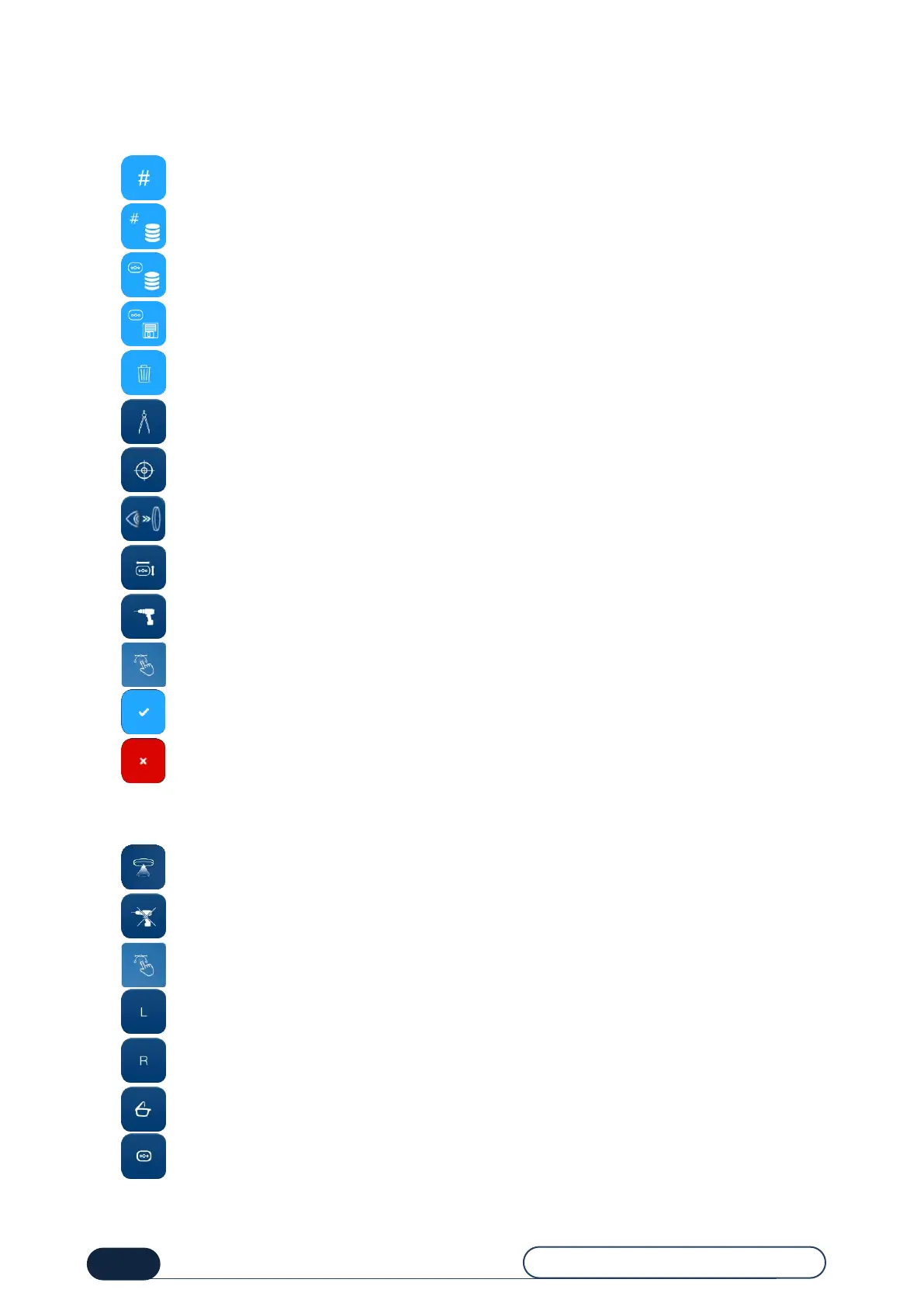
8.1.1. BUTTONS COMMON TO THE SCREENS
: Calling up a fitting
: Accessing the list of existing fittings
: Accessing the list of patterns in memory
: Saving a pattern
: Deleting entered information
: Accessing the entry screen
: Accessing the centering screen
: Accessing the quick view screen
: Accessing the Digiform screen
: Accessing the drilling screen
: Access to the Shape Creator function
: Confirm the changes
: Cancel the changes
8.1.2. ENTRY SCREEN BUTTONS
: Activate the capturing of the lens according to its center of gravity
: Activate the capturing of the lens according to its center of gravity without detecting the drilling holes
: Access to the Shape Creator function
: Activate the entering of the frame on the Left side
: Activate the entering of the frame on the Right side
: Select a plastic frame
: Select a frame without circling



 To Next Page