ALTA EVOLUTION / EVOLUTION GT … User manual
ALTA EVOLUTION / EVOLUTION GT
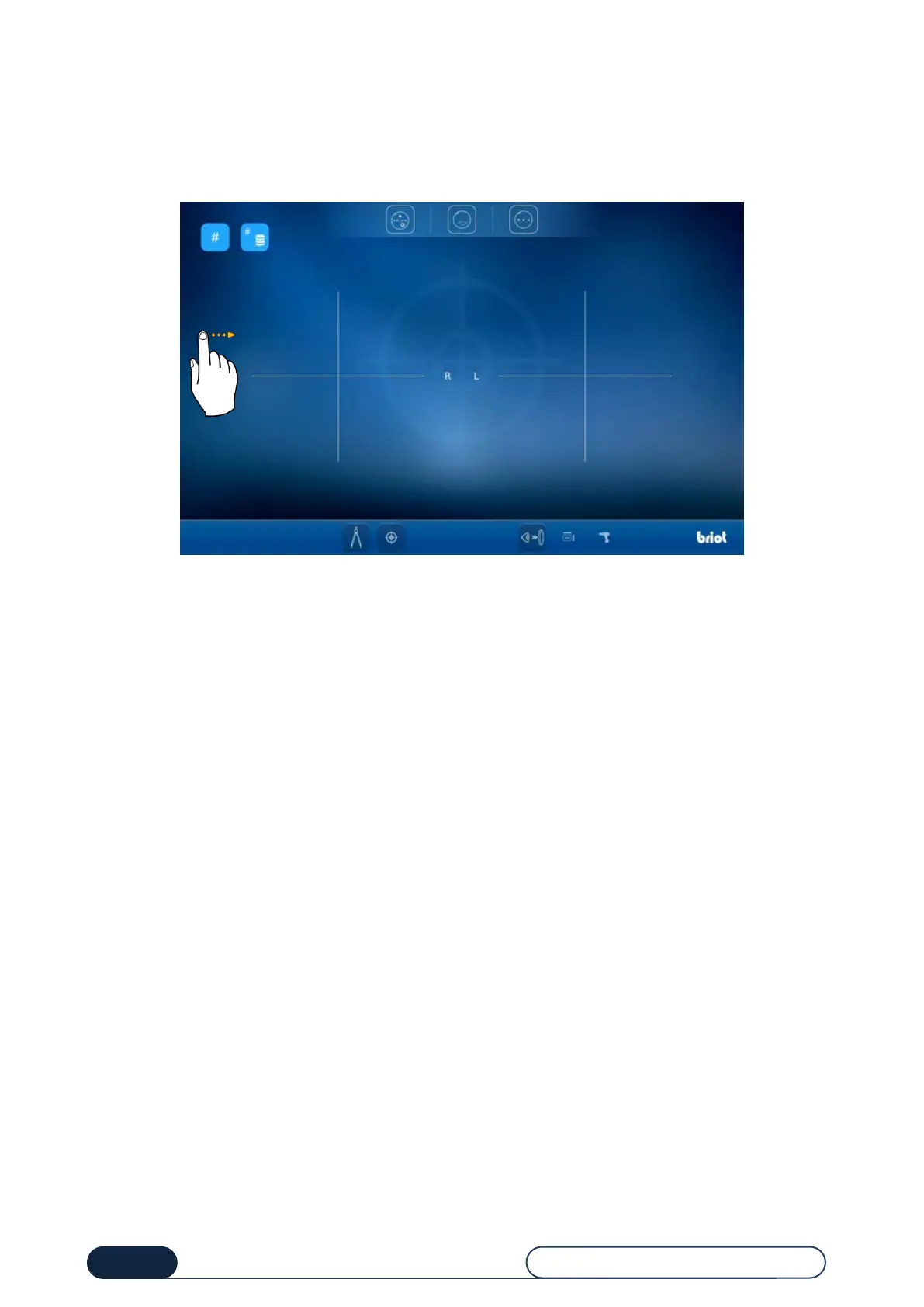
3.3.1.2. CENTERING SCREEN (NON-GT)
From this screen, you can access the following functions:
Centering a progressive lens,
Centering a bifocal lens,
Centering a lens marked with three points.
Note: You can access the entry screen by swiping the screen to the right.
Tip! To find out about the meaning of icons on this screen, refer to "Chapter 8 – Appendix".



 To Next Page