ALTA EVOLUTION / EVOLUTION GT … User manual
ALTA EVOLUTION / EVOLUTION GT
3.3.8.2. POSITIONING THE LENS
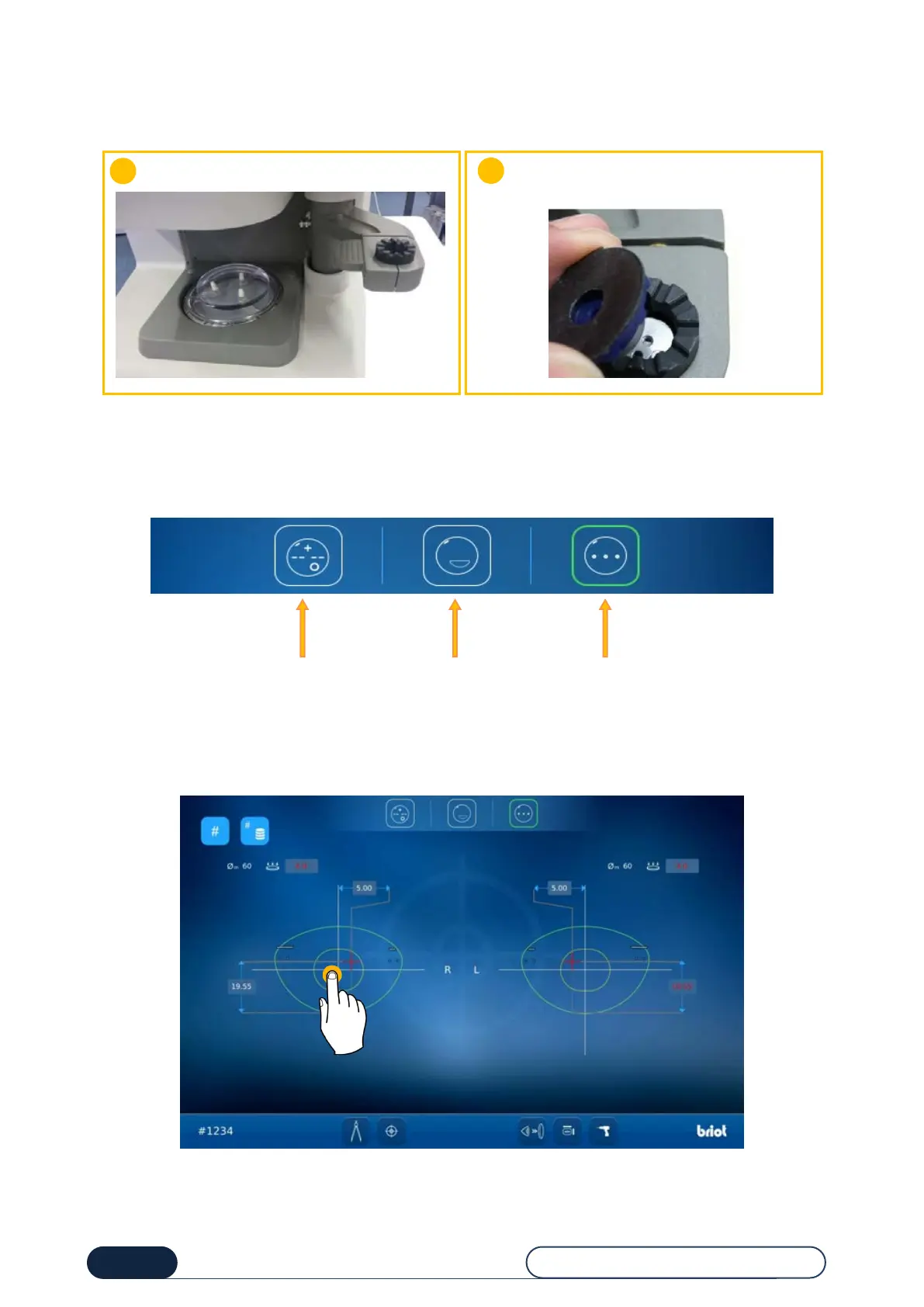
Position the lens for centering:
3.3.8.3. MANUAL CENTERING
3.3.8.3.1. LENS TYPE
Various types of lenses can be centered and locked by the machine:
If the zoom is already activated, this allows you to reset the two sides to the same level of zoom.
Place the lens on the bearing surface with its
holder.
Insert the block with its adhesive (see chapter
3.3.9.1)



 To Next Page