ALTA EVOLUTION / EVOLUTION GT … User manual
ALTA EVOLUTION / EVOLUTION GT
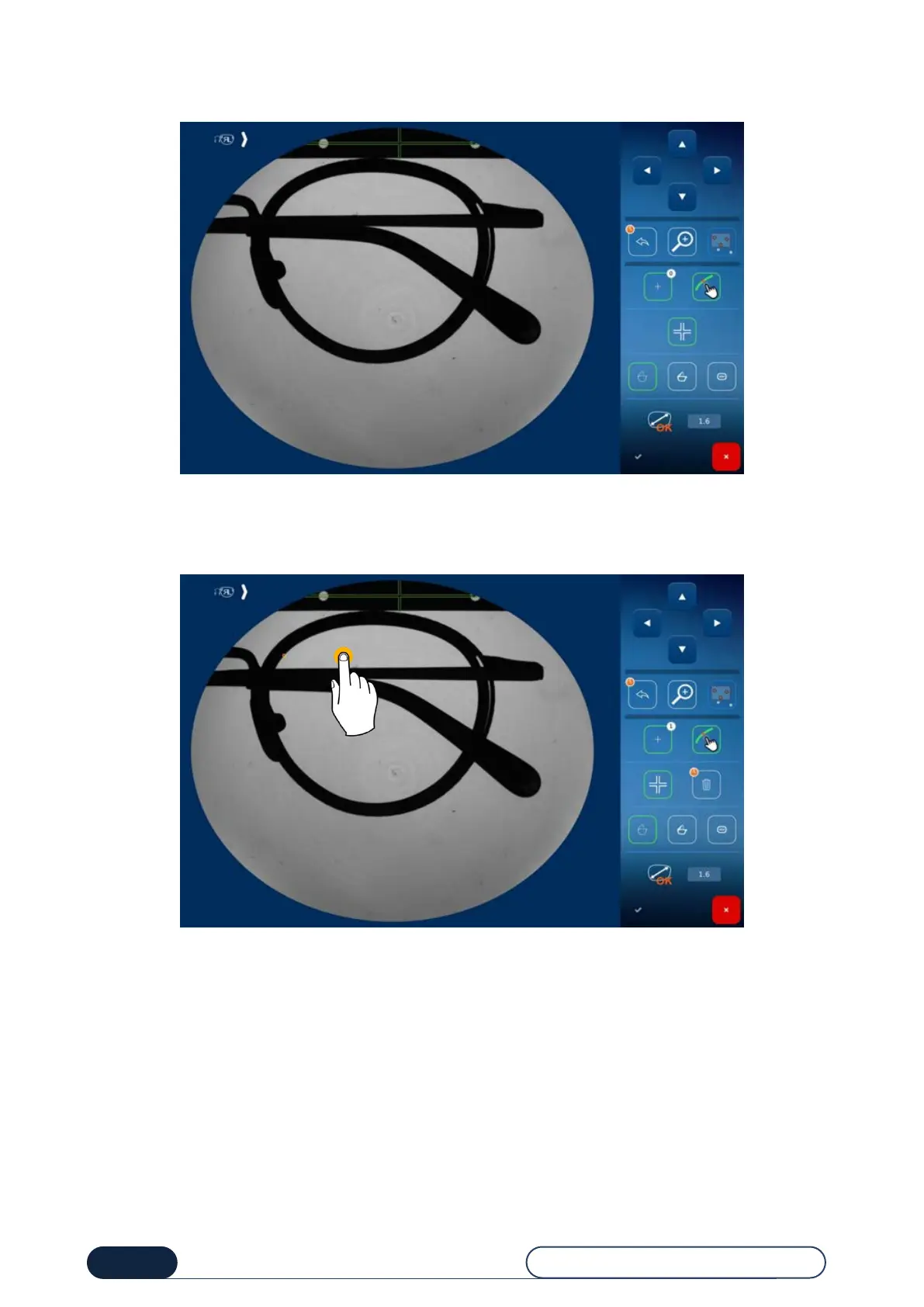
You are sent to the screen allowing you to enter the shape of your frame point by point.
Place points by clicking on the screen. Please click inside the frame shape.
As you position the points, the shape will appear on the screen and you will adjust the visual. By magnetic attraction,
the point will be placed on the nearest edge.
Positioning the 1
st
point of the frame
Moving a point or
the frame axis
Activate/deactivate
magnetism
Blocking of axis
readjustment
Oversize value
according to frame
type



 To Next Page