ALTA EVOLUTION / EVOLUTION GT … User manual
ALTA EVOLUTION / EVOLUTION GT
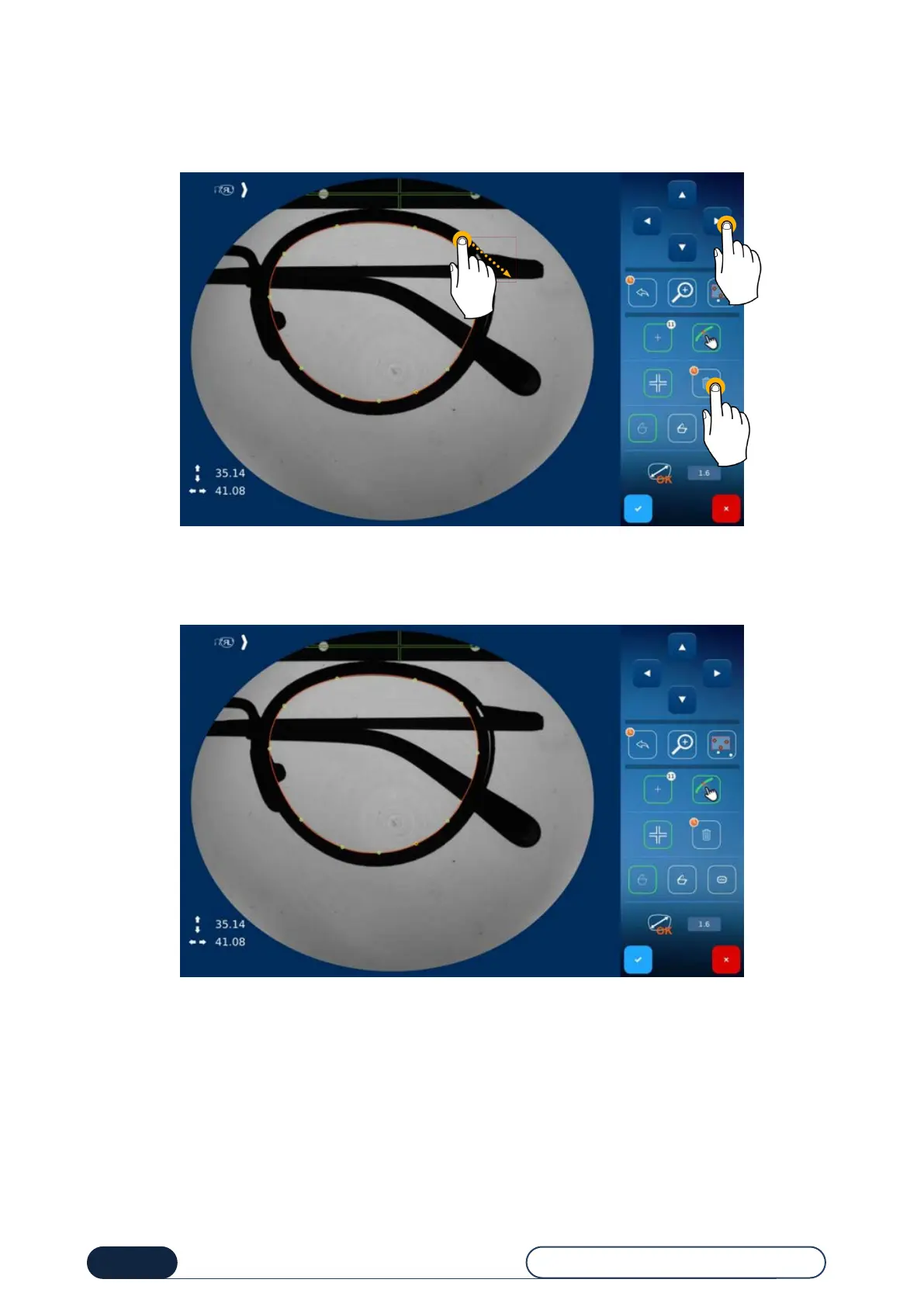
In case of wrong positioning of a point, you may:
Delete the point by clicking on the bin icon (1),
(long click to delete all points)
Move a point using the navigation arrows at the top right of the screen (2).
Wrong positioning of a point
Note: You have the possibility to select multiple points (long click and select an area (3)) in order to move them or delete
them.
Point after change of its position



 To Next Page