ALTA EVOLUTION / EVOLUTION GT … User manual
ALTA EVOLUTION / EVOLUTION GT
3.3.8.7. CENTERING A TINTED LENS
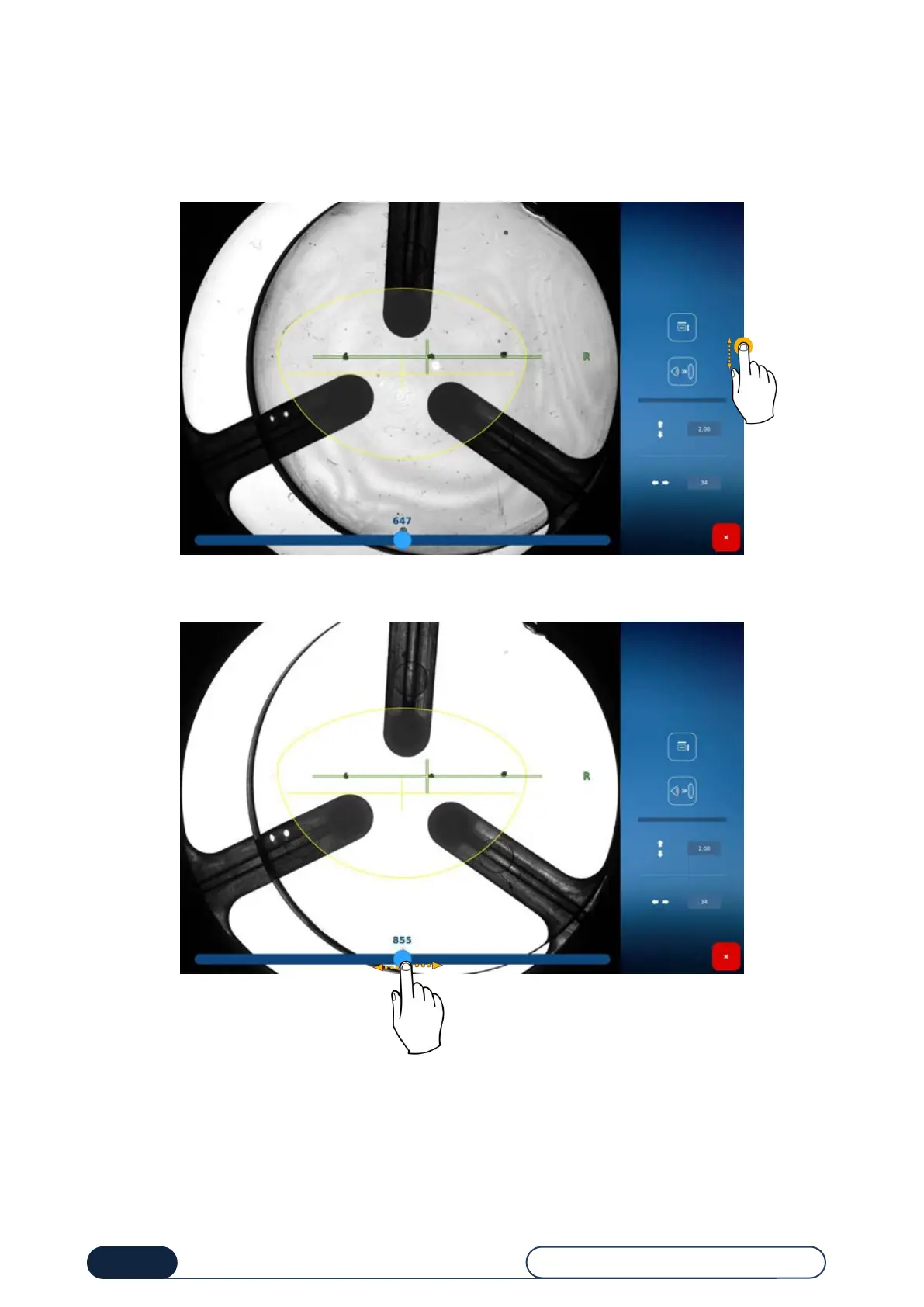
Although the brightness adjustment is done automatically for a tinted lens, if you want to change the brightness, follow
these steps:
• Press the manual brightness adjustment button. The brightness adjustment bar will then appear at the bottom of
your screen.
• From the bar located at the bottom of the screen, you can increase and decrease the brightness of the bearing
surface to facilitate the centering of your lens.
• Once your adjustment and your centering are complete, proceed with manual blocking of the lens to confirm (non-
GT).
Increase/Decrease the
bearing surface
brightness



 To Next Page