ALTA EVOLUTION / EVOLUTION GT … User manual
ALTA EVOLUTION / EVOLUTION GT
6.1. DESCRIPTION
To guarantee your machine's performance, you must perform several maintenance operations regularly and make sure
you configure and adjust your machine according to the use you want to make of it.
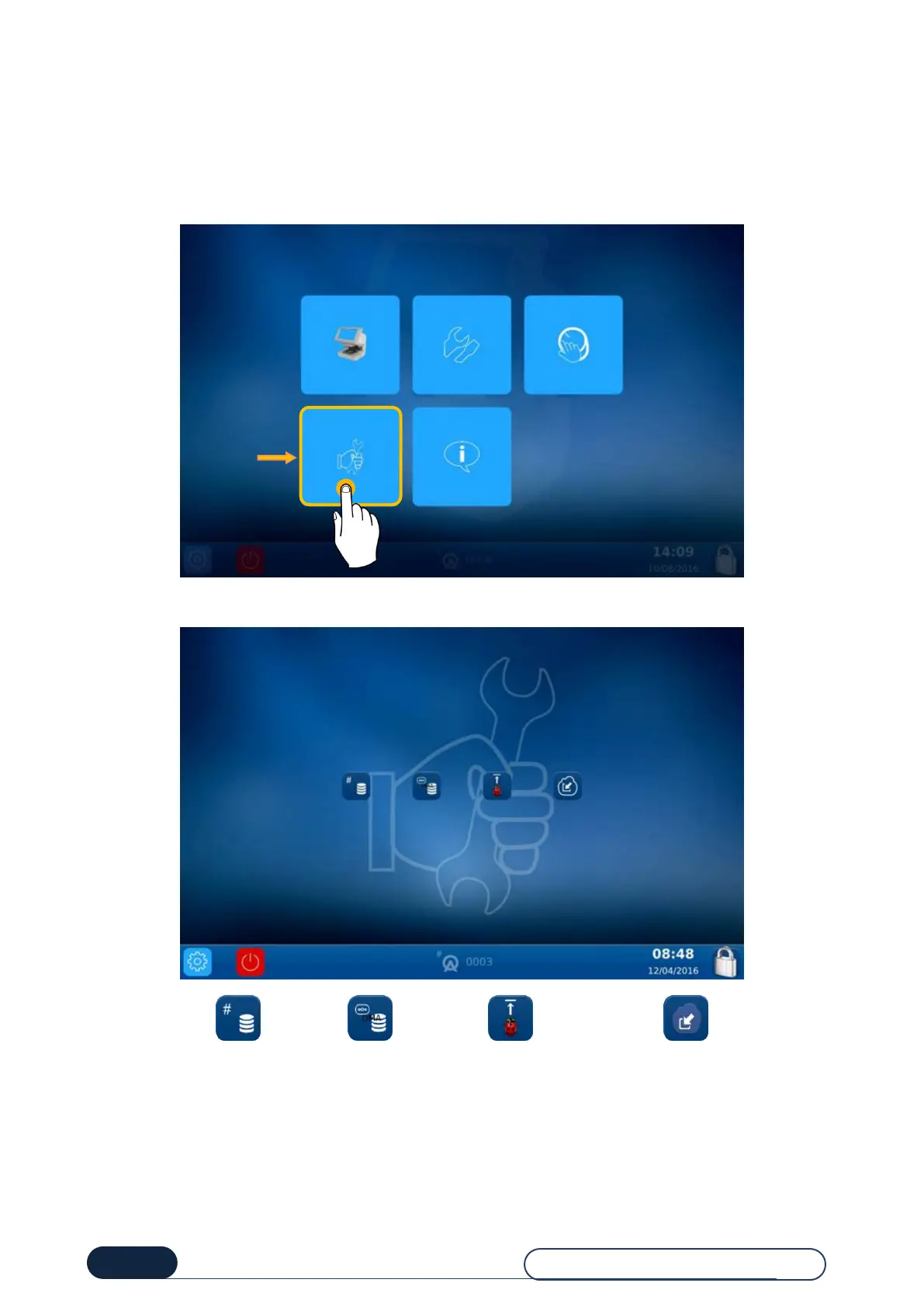
The main user technical screen provides access to the user technical menus, including Maintenance, as shown in orange
below:
You have now selected the Maintenance screen:
Manual purging of
jobs databases
Saving the technical
data required to
analyse a problem on
a USB flash drive
Updating the
machine from a
USB flash drive or
an Internet
connection
Uploading the
pattern database



 To Next Page