ALTA EVOLUTION / EVOLUTION GT … User manual
1
ALTA EVOLUTION / EVOLUTION GT
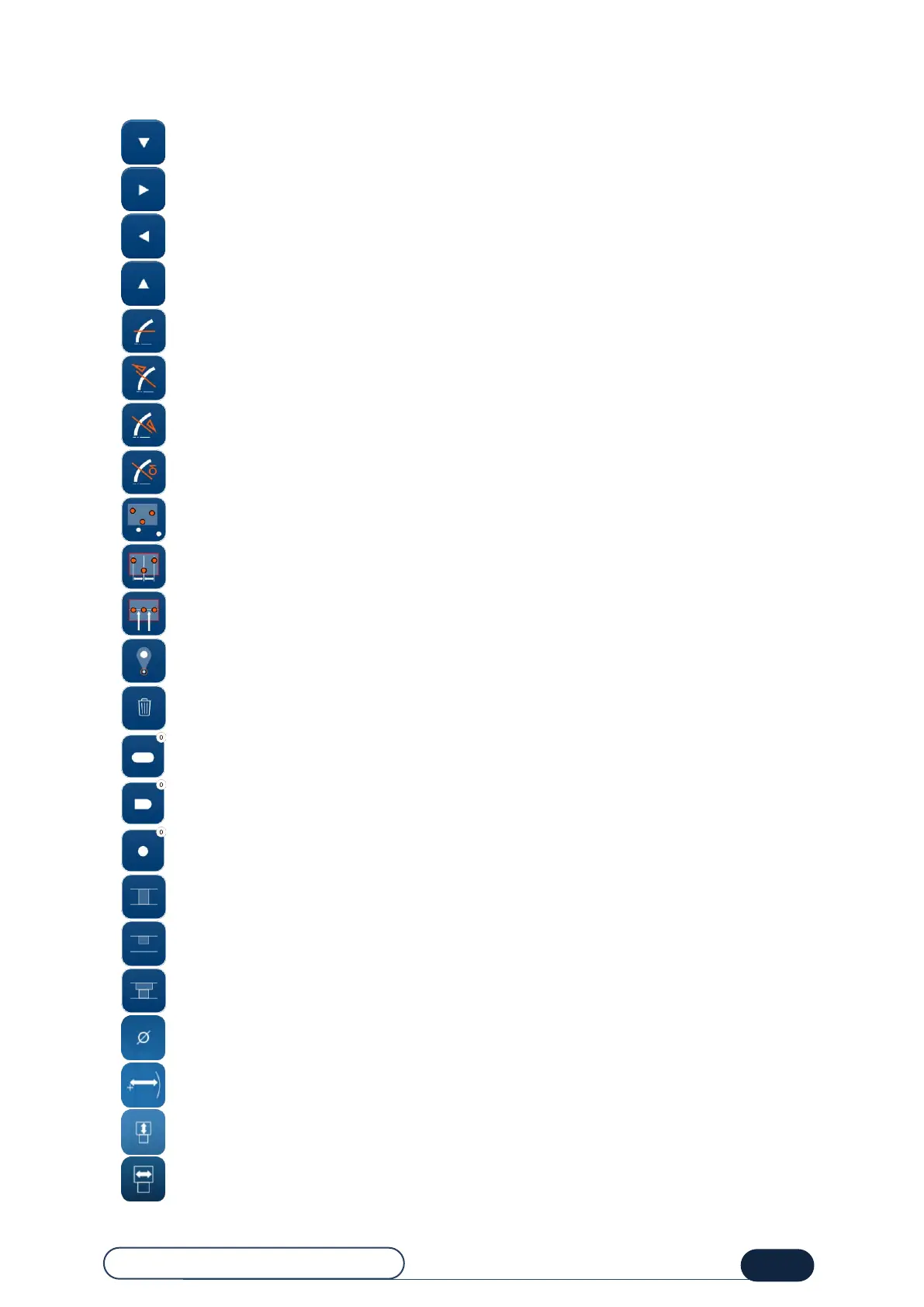
8.1.6. DRILLING SCREEN BUTTONS
: Selected hole moved downwards
: Selected hole moved to the right
: Selected hole moved to the left
: Selected hole moved upwards
: Selecting the drilled hole parallel to the clamping shafts
: Selecting the drilled hole normal to the front face
: Selecting the drilled hole normal to the rear face
: Selecting the drilled hole normal to the desired base
: Select several holes
: Apply the same distance between the holes
: Align the selected holes
: Select the reference point
: Deleting all the holes
: Adding an oblong hole + number of oblong holes
: Adding a notch + number of notches
: Adding a hole + number of holes
: Make an emerging hole
: Make a non-emerging hole
: Make a spotfacing
: Diameter of hole(s)
: Distance of the hole(s) from the lens edge
: Spotfacing depth
: Spotfacing width



 To Next Page