Model 428 User’s Manual REMOTE USER INTERFACE
Bristol Instruments, Inc. 28
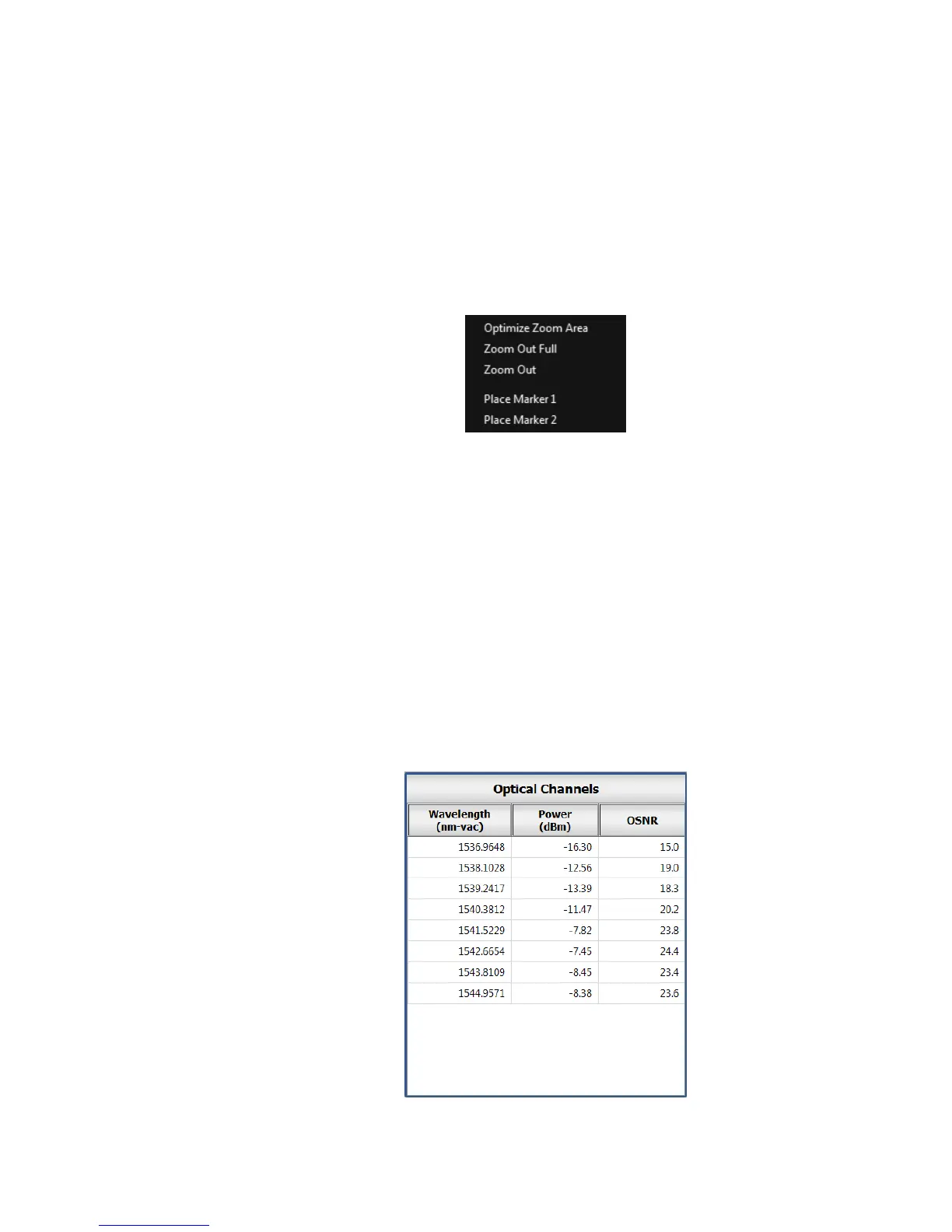
Right-clicking the mouse brings up the Zoom menu, which includes three Zoom
options.
Optimize Zoom Area – Scales the Intensity axis to fit the entire spectrum on
the Spectrum Display window.
Zoom Out Full – Returns the display to the full operating range.
Zoom Out – Undoes the most recent “rubber band” zoom operation. This
function can be used repeatedly until the full range of the spectrum is visible.
Figure 4.4: Zoom and Marker Menu
Vertical/Horizontal Panning
When the Spectrum Display is zoomed, left-clicking and dragging the highlighted
box in the Spectrum Thumbnail will pan the Spectrum Display.
Optical Channels Table
This table displays each channel identified by the 428 system’s peak-finding
algorithm, and arranges them in ascending order of their spectral positions. Once
the application is connected to the instrument, the Optical Channels Table and
Wavelength Display (described in the next section) will update continuously until
the connection is terminated.
The Optical Channels Table displays the spectral position (Wavelength,
Frequency, or Wavenumber), the associated power (Power), and the optical
signal-to-noise ratio (OSNR) of each wavelength channel.
Figure 4.5: Optical Channels Table



 To Next Page