Model 871A User’s Manual LASER INPUT
Bristol Instruments, Inc. 10
3 LASER INPUT
Fiber-Optic Laser Input
Never inspect or clean a fiber-optic cable without first disconnecting the entire
cable assembly from the optical source. Failure to take this precaution can
permanently damage your eyesight.
Use care in handling fiber-optic connectors. Always clean the fiber end prior to insertion
into the instrument’s fiber-optic connector for optimum performance. Failure to do so can
result in damage to the instrument.
Maximum safe input is 10 mW of CW or time-averaged optical power, or 0.5 mJ of pulsed
laser energy (10 ns pulse). Laser input power in excess of these values can result in
damage to the instrument.
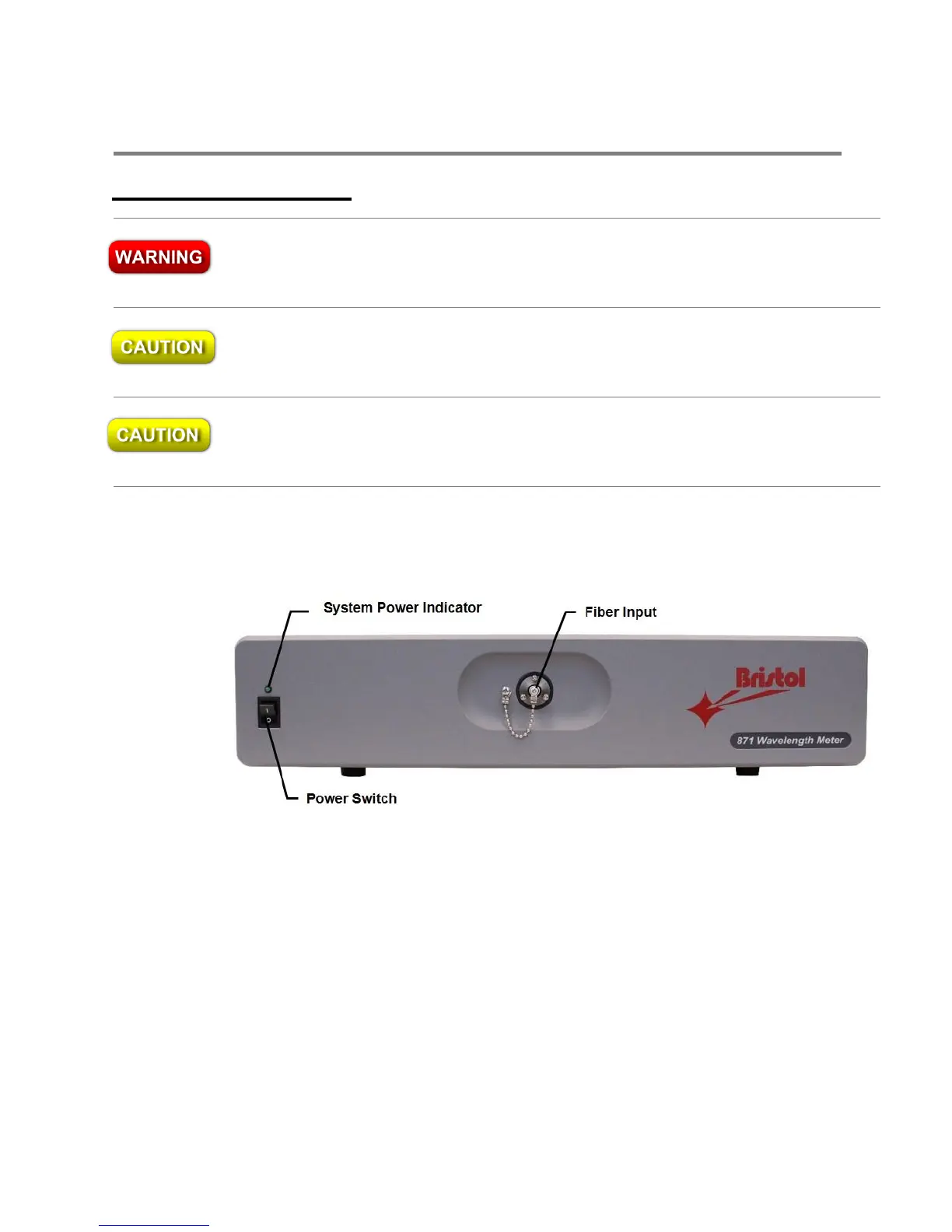
The laser under test enters the 871 system through an FC/PC fiber-optic connector on
the front panel of the instrument (Figure 3.1). To achieve the highest accuracy of ± 0.2
parts per million, the input fiber must be single mode at the operational wavelength.
Figure 3.1: Front Panel of the 871 System



 To Next Page