Model 871A User’s Manual USING THE LASER WAVELENGTH METER
Bristol Instruments, Inc. 13
4 USING THE LASER WAVELENGTH METER
Operation Instructions
1 Turn on the power switch of the 871 Laser Wavelength Meter located on the front
panel of the instrument.
2 Make sure the supplied USB cable is connected to the USB connector on the back
panel of the 871 system and to a USB port on the PC.
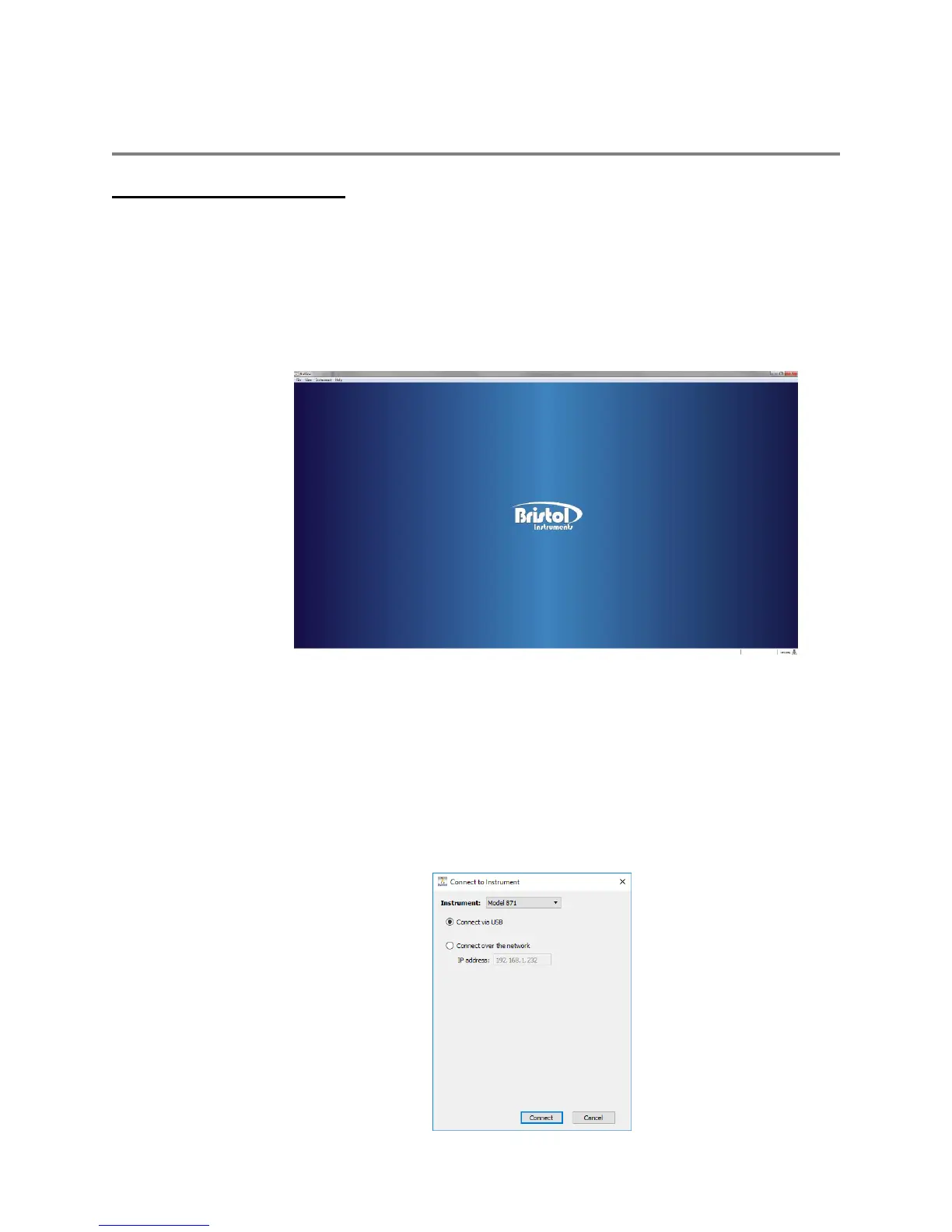
3 Start the NuView software by clicking on its icon. The NuView software will display
the Bristol Instruments logo before any instrument is connected (Figure 4.1)
Figure 4.1: Start-Up Screen
4 Open the Instrument Menu and select Connect.
5 Select “Model 871” from the drop down list.
6 Make sure that the “Connect via USB” radio button is selected, then click Connect.
The status text at the bottom-left corner of the screen should change to “Connected.”
If an error message is displayed instead, double-check that the instrument is running
and connected as described in Steps 1-2.



 To Next Page