Model 871A User’s Manual USING THE LASER WAVELENGTH METER
Bristol Instruments, Inc. 19
Menu Function Descriptions
File Menu
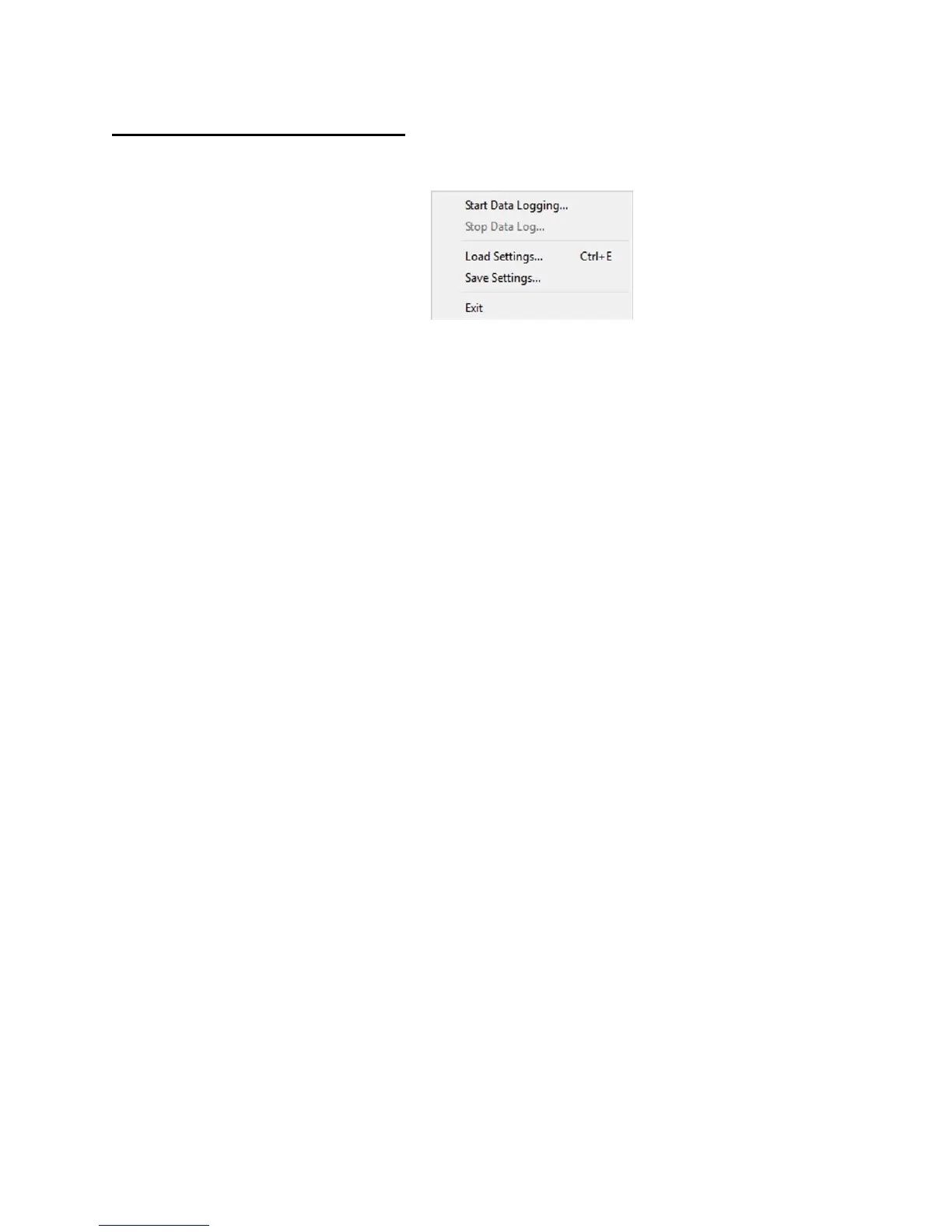
• Start Data Logging – The wavelength measurements can be logged in a
Comma-Separated Value (*.csv) file format for use in other graphing
programs. If “Stop after..measurements” or “Stop after…hours, minutes,
seconds” are selected, logging will stop automatically after the specified
number of measurements or amount of time, respectively. If “Stop manually”
is selected, then logging must be stopped manually by clicking the Stop Data
Logging menu item. The default file name is “NuView log 1.csv.” If you use
this filename, the number at the end will increment each time you begin a
new log.
Each measurement can be logged, or measurements can be recorded at a
measurement or time interval.
The columns of the CSV file are defined by the available measurement
parameters listed below. The first column of the log file is a timestamp for
each measurement, followed by the selected parameters. Click the check
box next to a parameter to include that column in the CSV file.
- Instrument Status – A hexadecimal number corresponding to the
instrument status at each measurement. The status numbers are defined
in Appendix E.
- Max Peak Wavelength – The absolute wavelength, wavenumber, or
frequency of the laser under test.
- Max Peak Intensity – A linear value representing the illumination of the
detector array. This value ranges from 0 (no light) to 1 (fully saturated
detector).
Click on Start Data Logging, then change the log file name and location or
use the default name and location. Select the radio button for the logging
type. When “Stop after…measurements” is selected, the number of
measurements can be adjusted incrementally using the up/down arrows or
by highlighting the current numeric value and entering a new numeric value
with the keyboard. When “Stop after…hours, minutes, seconds” is selected,
the time can be adjusted incrementally using the up/down arrows or by
highlighting the current time duration and entering a new time duration with
the keyboard.



 To Next Page