Model 871A User’s Manual USING THE LASER WAVELENGTH METER
Bristol Instruments, Inc. 24
• Disconnect – Used to disconnect the 871 system from the PC.
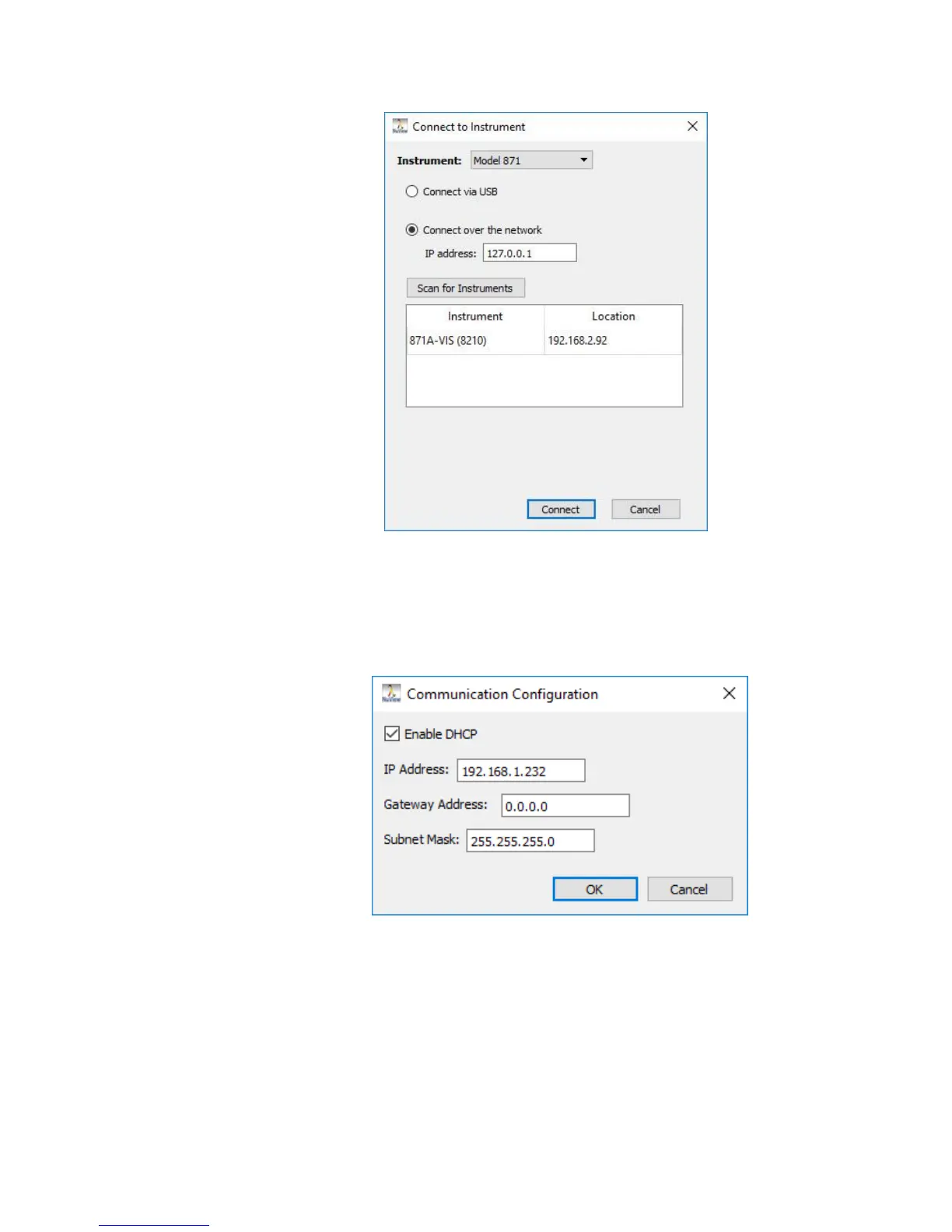
• Set IP Address – Manually change the IP address for the 871 system using
the keyboard. If DHCP is enabled, then the network will automatically assign
the instrument an open IP address.
• Calibrate – Calibrates the instrument with the internal reference source.
Calibration takes approximately 2 seconds to complete, and temporarily
interrupts any current trending or logging data. Click to select.
• Adjust Frame Rate – Adjusts the instrument’s Frame Rate to illuminate the
instrument’s detector for optimal signal intensity. When Adjust Frame Rate is
selected, the NuView software chooses a frame rate between 12 and 1000
Hz to illuminate the detector at approximately 50% saturation.



 To Next Page