Model 871A User’s Manual USING THE LASER WAVELENGTH METER
Bristol Instruments, Inc. 30
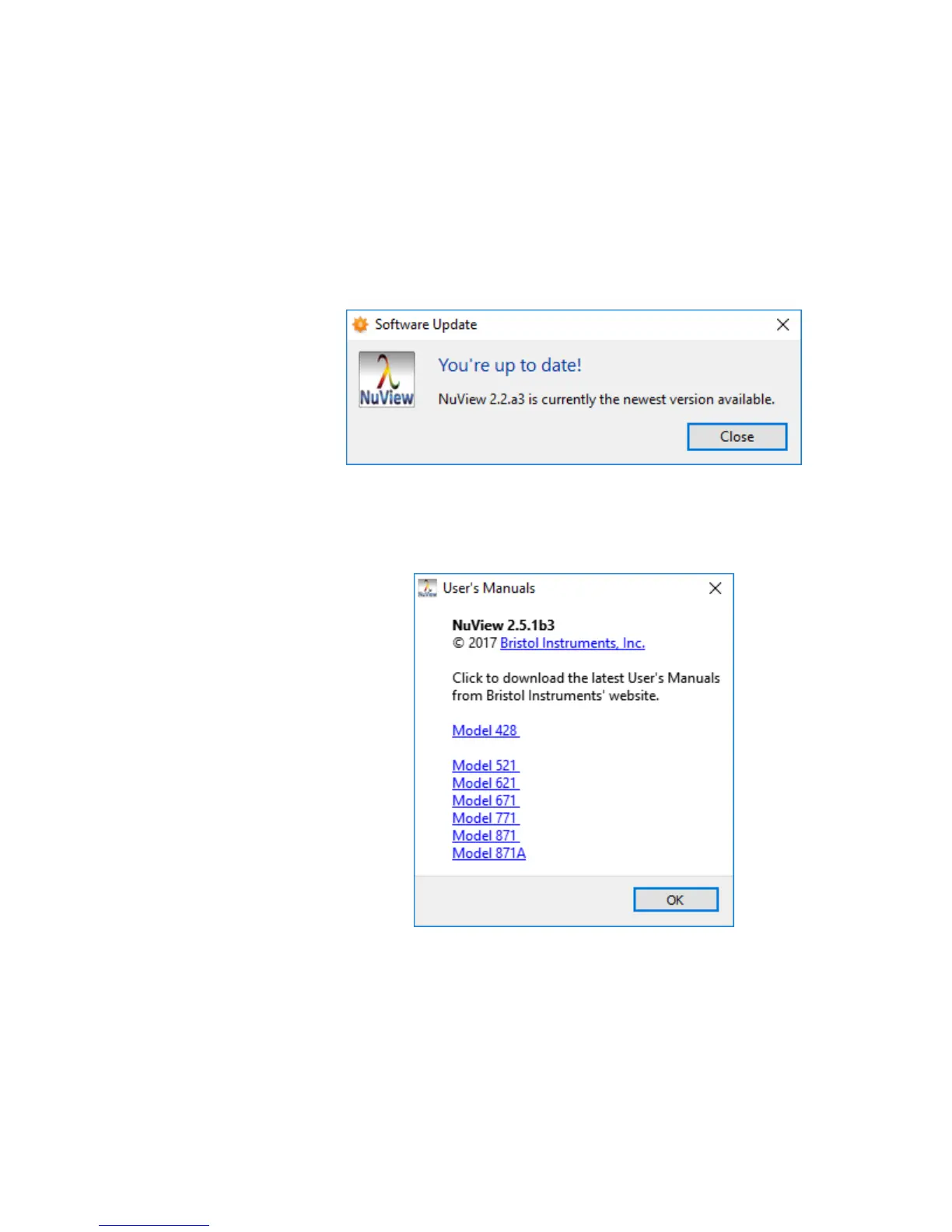
• Check for Updates – Contacts the NuView software server to check for
software updates. The NuView software will prompt the user to check for
software updates when the NuView software is opened the second time, and
the user is given the option to have the NuView software automatically check
for updates weekly.
If an update is available, the user is directed to download an installer for the
latest NuView software. Save the installer to the desired location on the PC,
close all instances of the NuView software, and run the installer. There is no
action required if the NuView software is up to date.
• User’s Manuals – Opens a dialog box with a list of all available User’s
Manuals. Clicking an instrument hyperlink starts downloading the latest
version of the User’s Manual from Bristol Instruments’ website.



 To Next Page