11
© 2020 Brivo Systems LLC. All rights reserved. P-MAN-PUB-Panel Networking Guide
Panel Networking Guide
Log in to the Administrative Interface
After your computer has nished booting up:
1. Open your web browser.
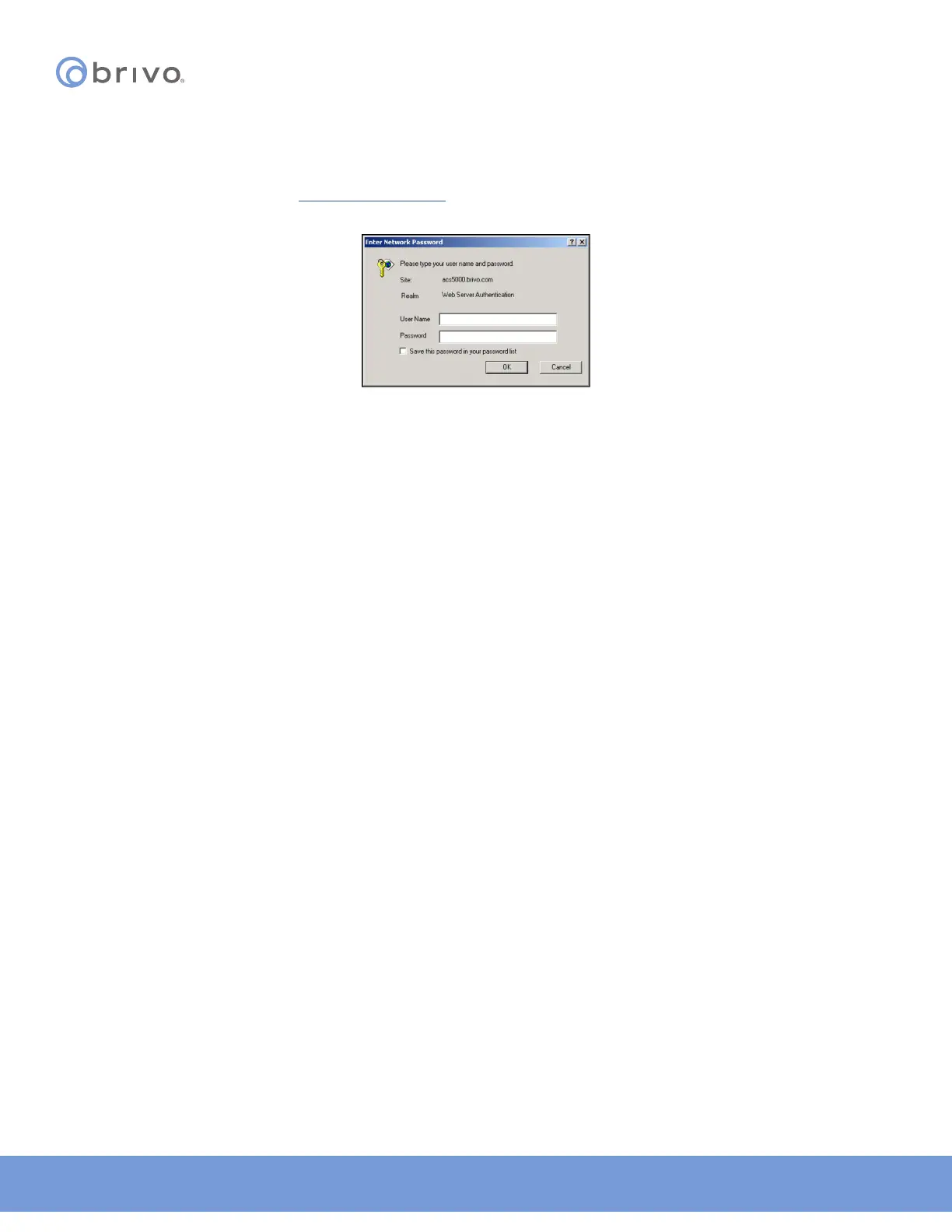
2. In the address bar, enter: http://192.168.207.1 A pop-up login screen similar to the one shown in the gure
below will display.
Figure 7: Login Screen
3. Enter cli as the default user name and new5cli as the default password. You are now ready to begin
conguring your Brivo control panel.



 To Next Page