8
© 2020 Brivo Systems LLC. All rights reserved. P-MAN-PUB-Panel Networking Guide
Panel Networking Guide
ACS6000, ACS300, ACS5000, & IPDC
This chapter is devoted to the ACS6000, ACS300, ACS5000, and IPDC control panels. For information on the ACS100
control panel, refer to the following chapter.
Accessing the Local Administrative Interface
This section describes how to connect to the Brivo control panel local Administrative Interface (often described
throughout this document as the WebCLI).
NOTE: In most cases, the Brivo control panel will self-congure its network settings without any input from the
installer. You will only need to use access the Administrative Interface if you need to congure your network settings
manually or for troubleshooting.
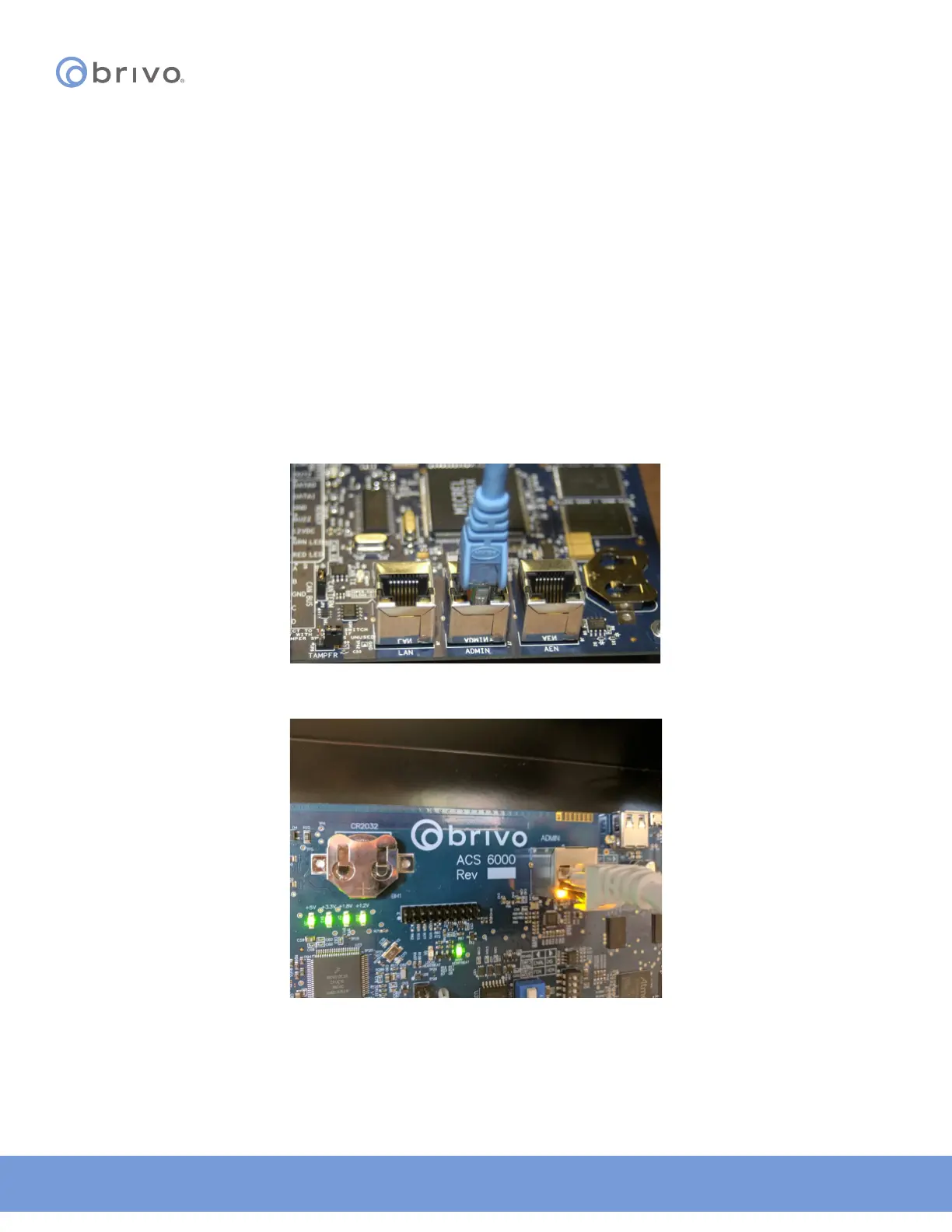
Connect a Laptop to the Admin Port
With your laptop powered down, connect a CAT 5 network cable with RJ45 jacks from the ADMIN port on the Main
Board to the network jack on your laptop, as shown in the gures below.
Figure 1: ACS5000 - Connect laptop to the Admin port
Figure 2: ACS6000 - Connect laptop to the Admin port



 To Next Page