52
© 2020 Brivo Systems LLC. All rights reserved. P-MAN-PUB-Panel Networking Guide
Panel Networking Guide
Hardware Tab
The Hardware tab of the Administrative Interface allows you to check the status of the control panel hardware,
to change the LED settings for waiting state, to limit the number of notications reported for certain events, to
upgrade rmware for OSDP readers, and manage uid access and mobile credential functionality.
Status
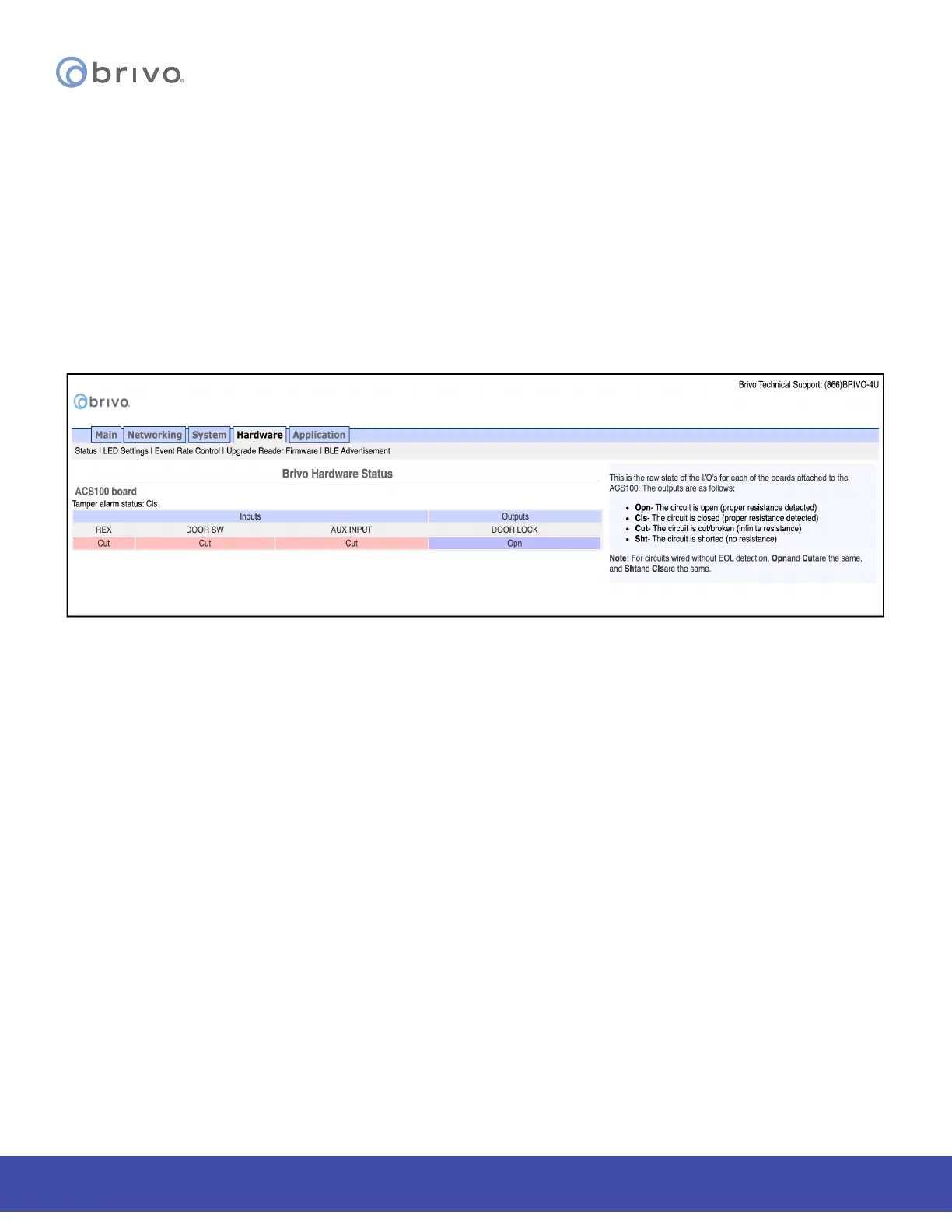
The Hardware Status page provides a complete view of the state of all major components of the control panel
hardware. To access this page:
1. Click Hardware to access the Hardware menu bar.
2. Click Status to access the Brivo Hardware Status page. Status values are dened in the text on the right side
of the page.
Figure 54: Brivo Hardware Status



 To Next Page