12
© 2020 Brivo Systems LLC. All rights reserved. P-MAN-PUB-Panel Networking Guide
Panel Networking Guide
Main Tab
Info
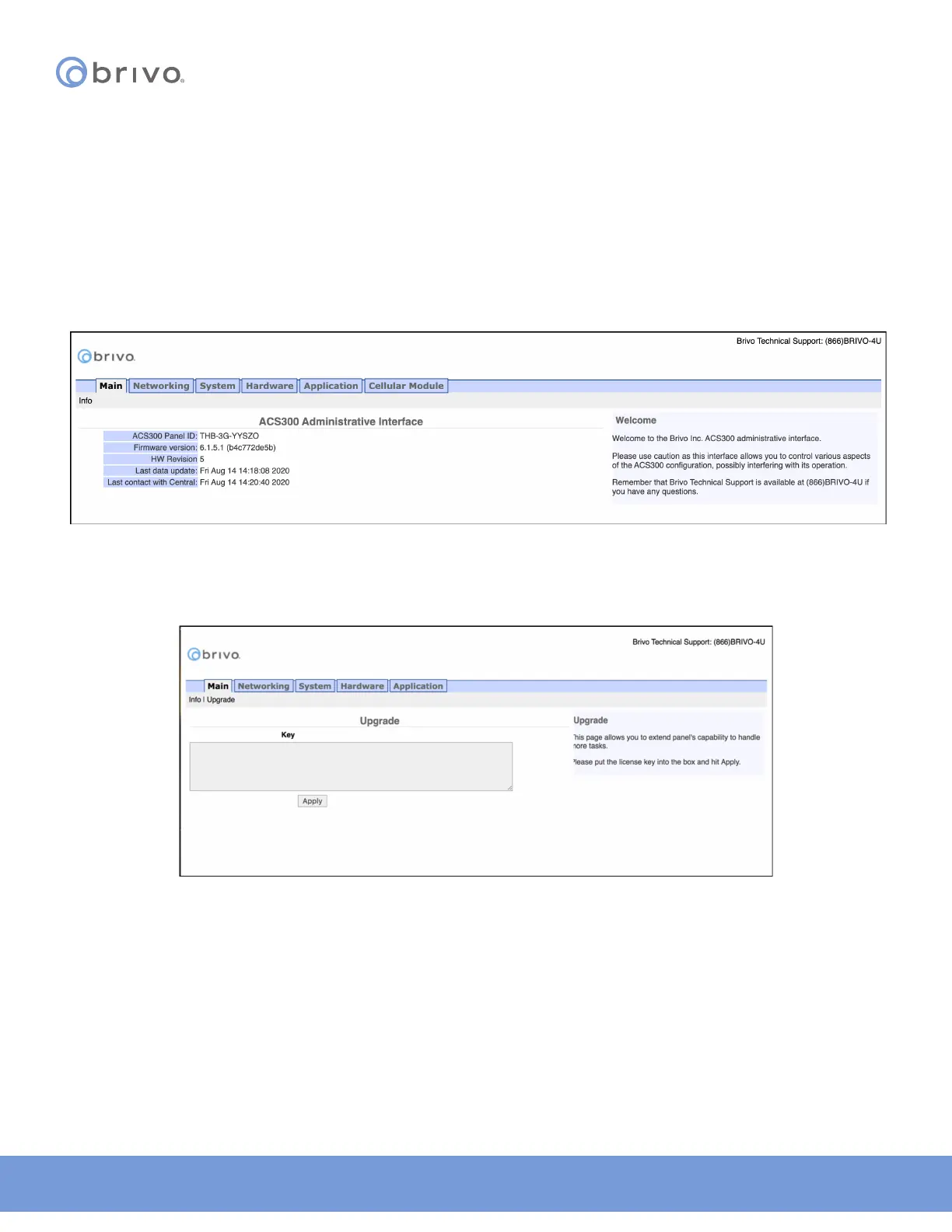
The Info screen of the Main tab displays the control panel Administrative Interface.
NOTE: If you were NOT able to reach this page for any reason, see the Troubleshooting section at the end of this
document.
NOTE: For ease of presentation, the screenshots below display ACS6000 or ACS300 as the model type. When you
log in, the model that displays will match your device type.
Figure 8: Info page of the Administrative Interface
4. For IPDC only - To upgrade the IPDC controller from a one-door controller to a two-door controller, click on
the Upgrade link under the Main tab. To complete the upgrade process, contact Brivo Technical Support
and follow their provided instructions.
Figure 9: Upgrade page of the Main Administrative Interface



 To Next Page