57
© 2020 Brivo Systems LLC. All rights reserved. P-MAN-PUB-Panel Networking Guide
Panel Networking Guide
Application Tab
The Application tab of the Administrative Interface gives you access to log of control panel events and a set of tools
used for diagnosing control panel problems.
Log
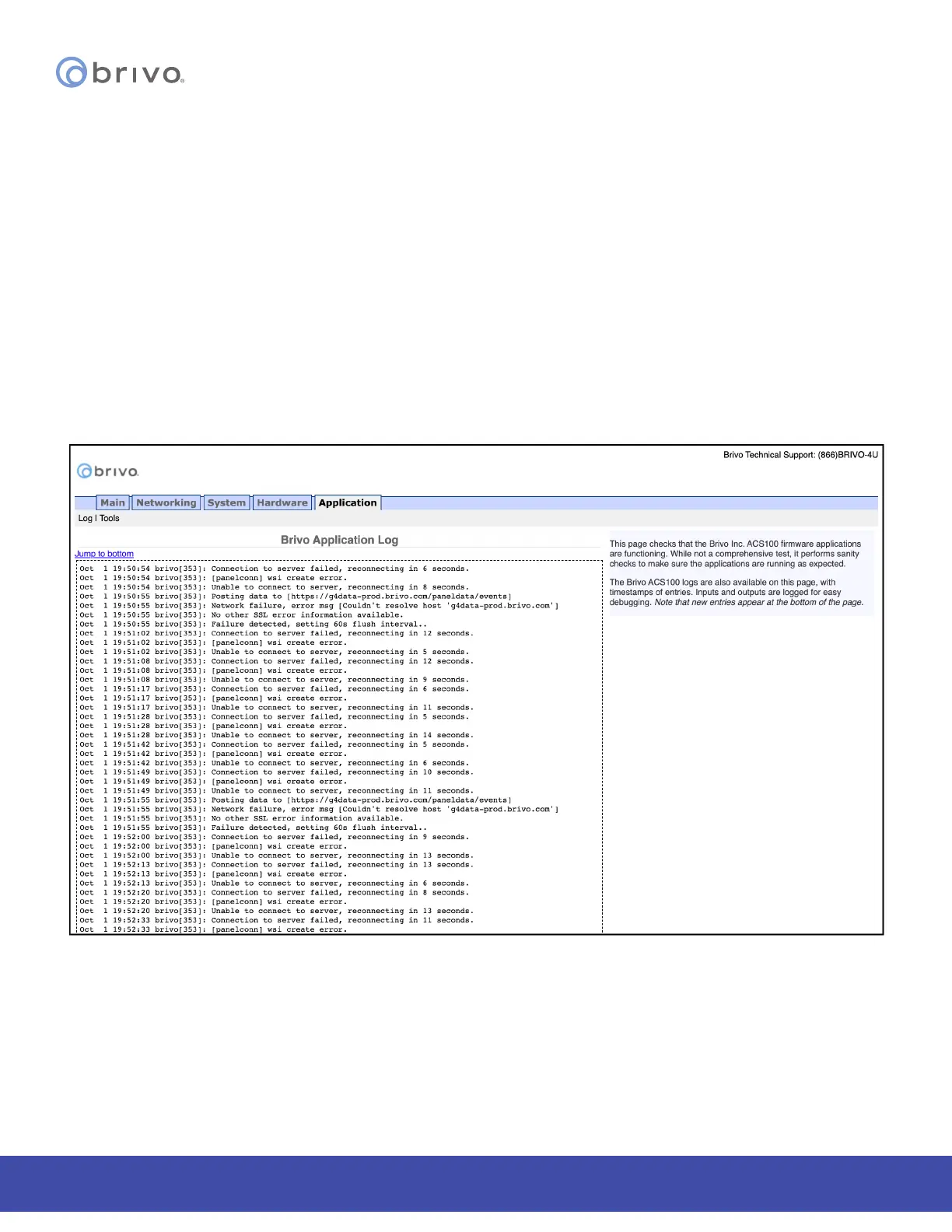
The Application Log contains an entry for every major event that occurs in the control panel. For example, it can
answer such questions as:
Did the control panel receive a Wiegand value from the card reader?
Did the control panel detect the door closure switch change of state?
To access this page:
1. Click Application to access the Application menu bar.
2. Click Log to view the Brivo Application Log.
Figure 59: Brivo Application Log



 To Next Page