39
© 2020 Brivo Systems LLC. All rights reserved. P-MAN-PUB-Panel Networking Guide
Panel Networking Guide
Log in to the Administrative Interface
NOTE: The process for logging into the local Administrative Interface on an ACS100 is dierent than other Brivo
control panels.
After your computer nishes booting up:
1. Go to your laptop’s/PC’s networking settings page and manually set your IP address on your laptop/PC to
169.254.242.122 and net mask 255.255.255.0. If asked for subnet length instead of net mask, enter 24.
2. Open your web browser and navigate to 169.254.242.121 .
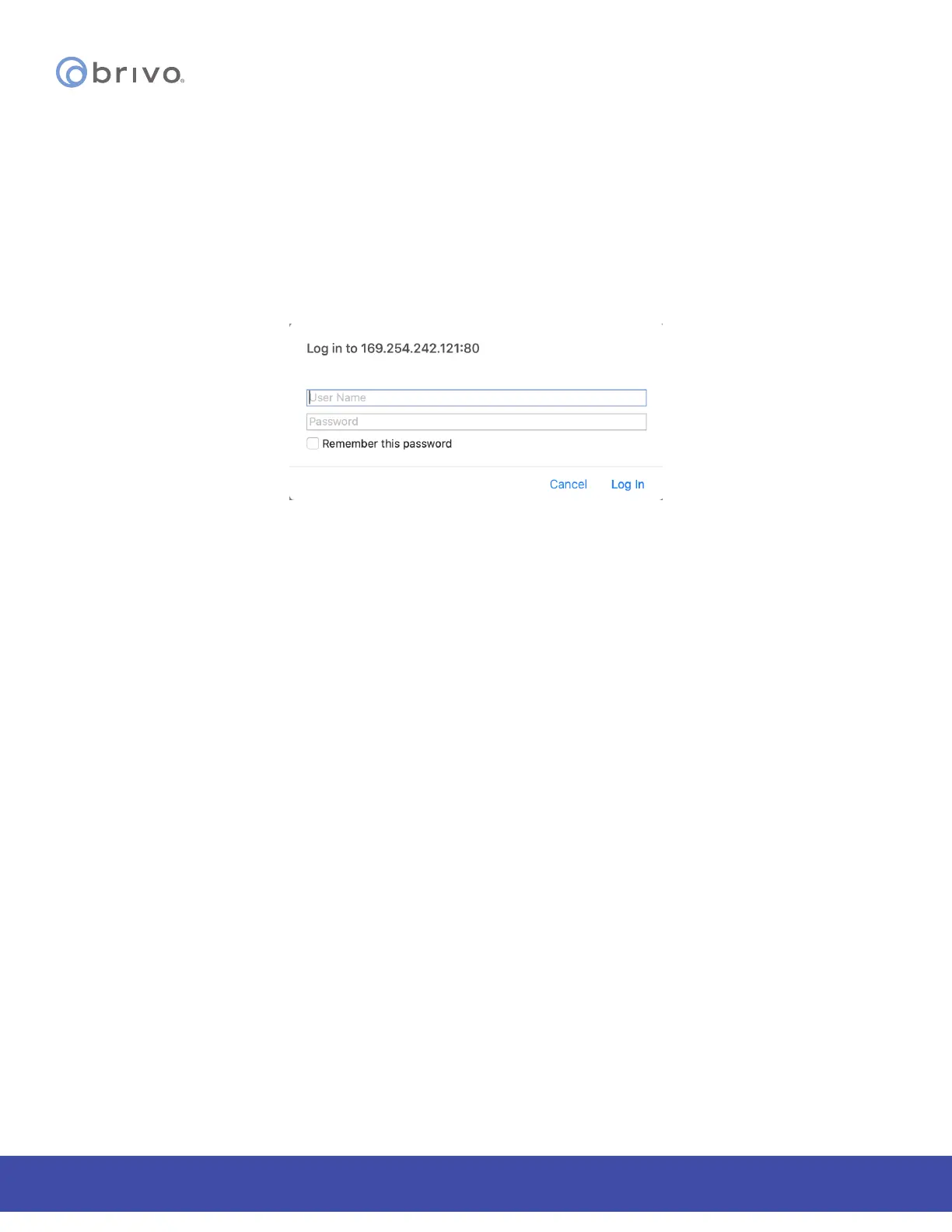
3. A pop-up login screen similar to the one shown in the gure below will display.
Figure 39: Login Screen
4. Enter cli as the default user name and new5cli as the default password. You are now ready to begin
conguring your Brivo control panel.



 To Next Page