47
© 2020 Brivo Systems LLC. All rights reserved. P-MAN-PUB-Panel Networking Guide
Panel Networking Guide
Troubleshooting
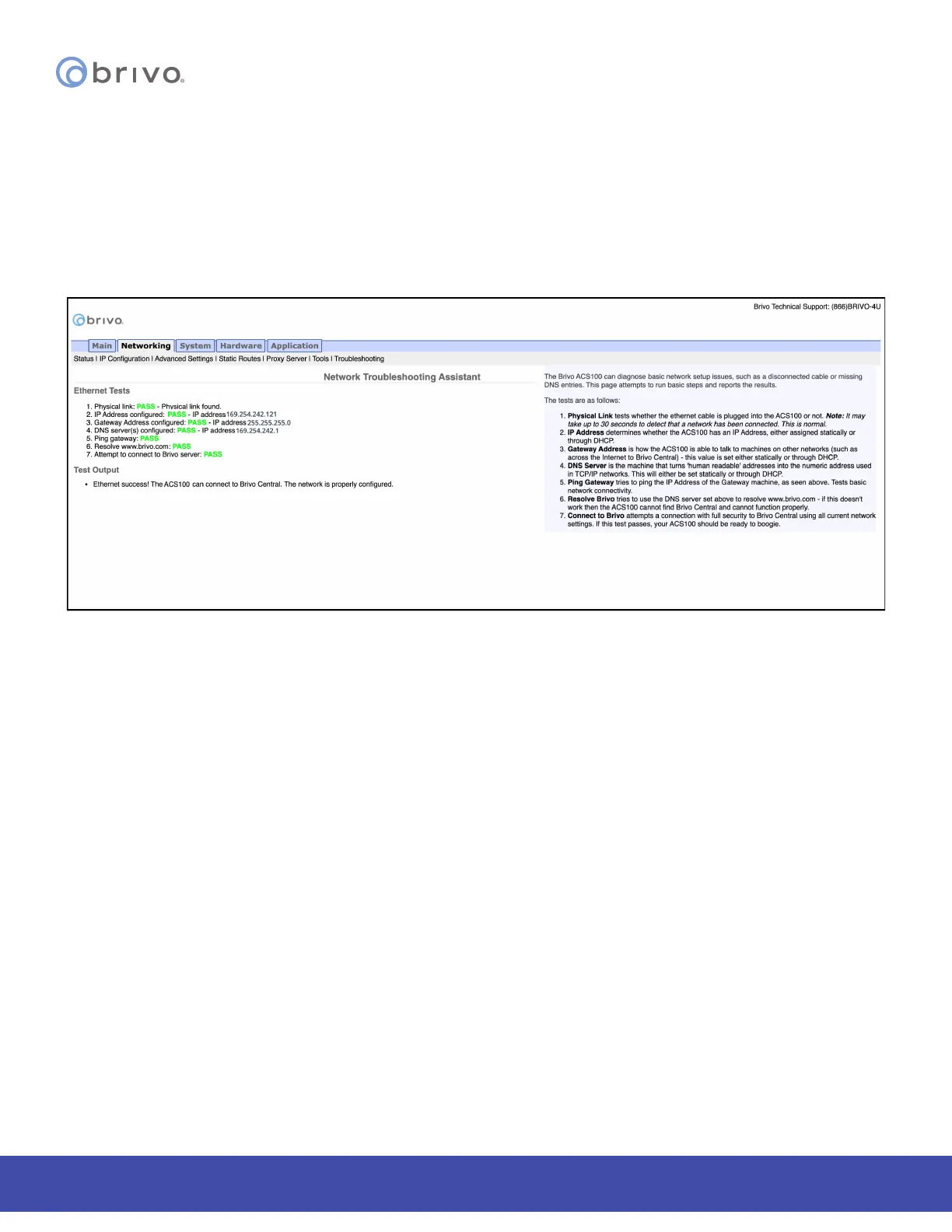
Troubleshooting network problems (for the ACS100) through the Administrative Interface uses a Network
Troubleshooting assistant to determine if the Brivo control panel is connected to the local network and ultimately to
the Brivo Onair Cloud Server. To access this tool:
1. Click Networking to access the Networking menu bar.
2. Click Troubleshooting to access the Network Troubleshooting Assistant.
3. If any one of the connectivity tests fails, a message displays describing the failure and oering suggestions
for resolving it. Descriptions of the tests performed are provided in the text on the right side of the page.
Figure 48: Network Troubleshooting Assistant



 To Next Page