26
5
How to copy 5
Making a single copy 5
a Load your document.
b Press Start.
Making multiple copies 5
a Load your document.
b Use the dial pad to enter the number of
copies (up to 99).
c Press Start.
Note
To sort your copies, press Sort. (See
Sorting copies using the ADF on page 33.)
Stop copying 5
To stop copying, press Stop/Exit.
Copy options 5
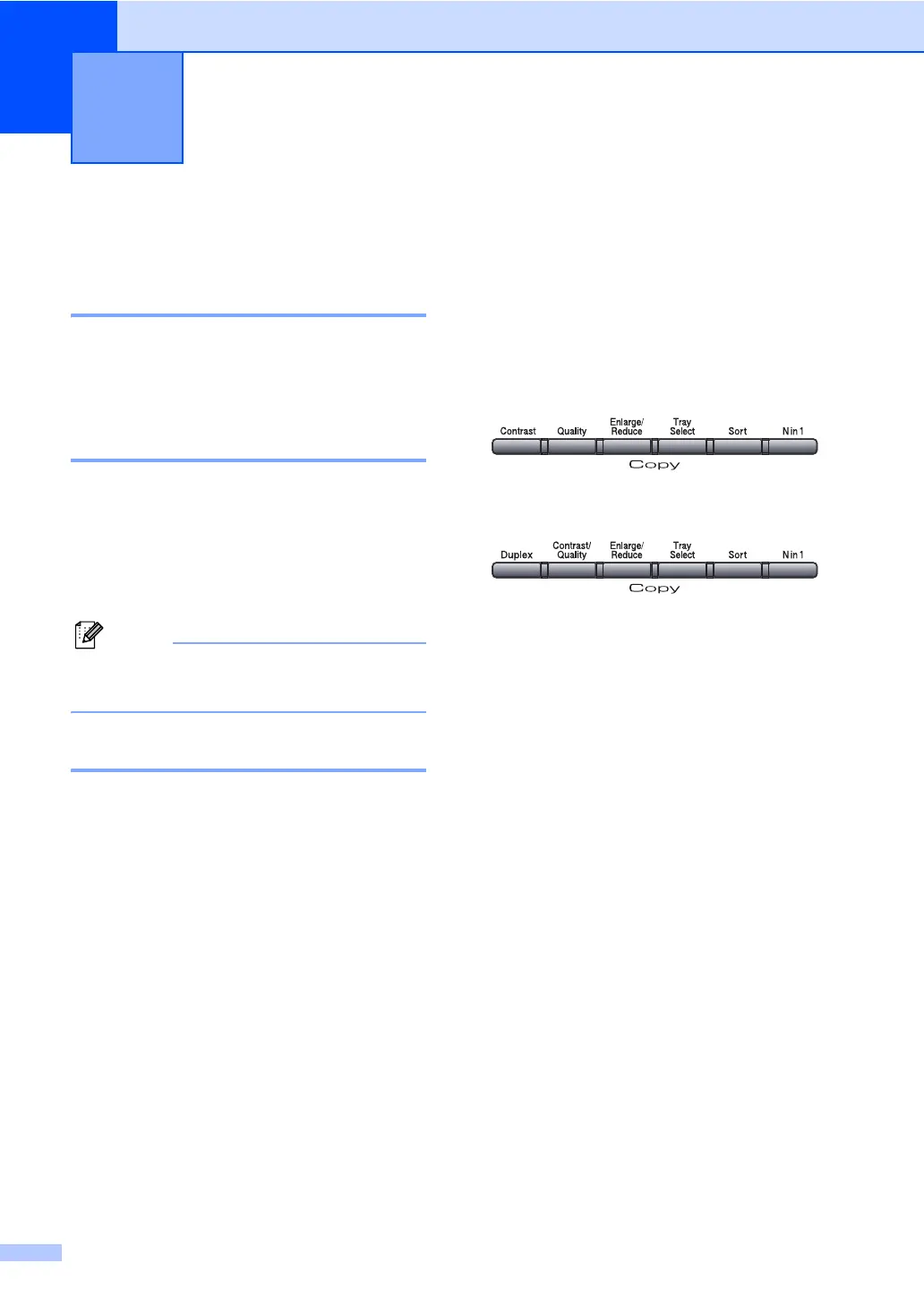
When you want to quickly change the copy
settings temporarily for the next copy, use the
Copy keys. You can use different
combinations.
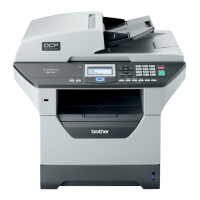
(DCP-8060)
(DCP-8065DN)
The machine returns to its default settings
one minute after copying.
Making copies 5


 To Next Page
 Loading...