Home > Scan > Scan from Your Computer (Windows) > Scan Using ControlCenter4 Home Mode
(Windows) > Scan Using ControlCenter4 Home Mode (Windows) > Change Scan Size Using ControlCenter4
Home Mode (Windows)
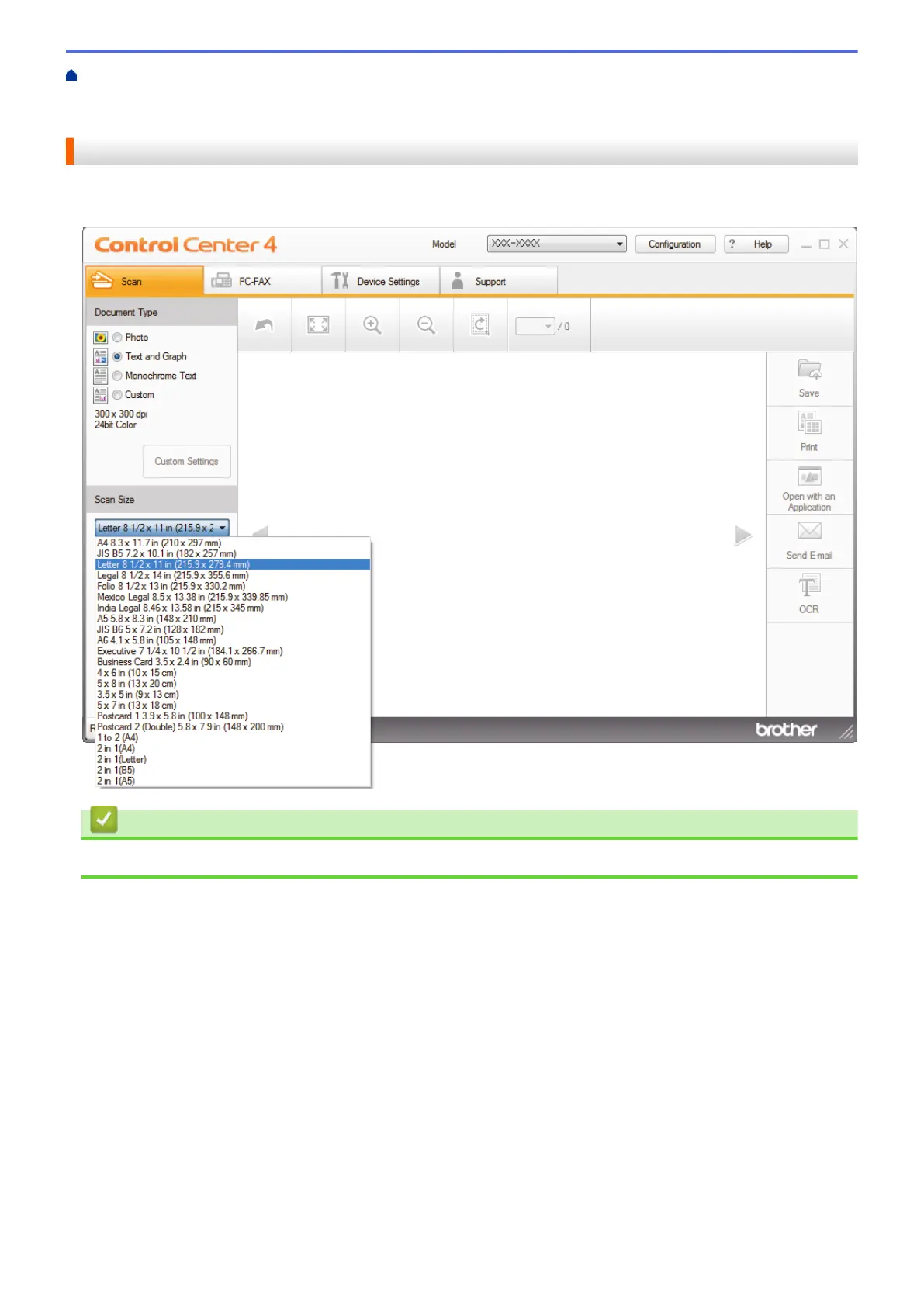
Change Scan Size Using ControlCenter4 Home Mode (Windows)
For faster scan speeds, select the exact size of your document from the Scan Size drop-down menu.
Related Information
• Scan Using ControlCenter4 Home Mode (Windows)
150


 To Next Page
 Loading...