Home > Fax > Receive a Fax > Memory Receive (Remote Fax) Options > Turn Off Memory Receive
Turn Off Memory Receive
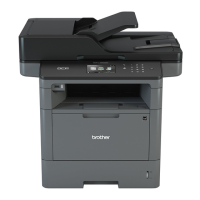
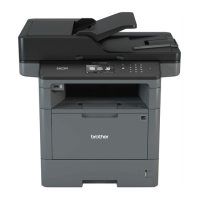
Related Models: MFC-L5700DW/MFC-L5705DW/MFC-L5800DW/MFC-L5850DW/MFC-L5900DW/
MFC-L6700DW/MFC-L6800DW
Turn off Memory Receive if you do not want the machine to save or transfer incoming faxes.
1. Press [Settings] > [All Settings] > [Fax] > [Setup Receive] > [Memory Receive].
2. Press [Off].
The LCD displays options if there are received faxes still in your machine's memory.
3. Press .
Related Information
• Memory Receive (Remote Fax) Options
252


 To Next Page
 Loading...