Home > Network > Advanced Network Features > Configure the Brother Machine for Email or Internet Fax
(I-Fax) > Poll the Server Manually
Poll the Server Manually
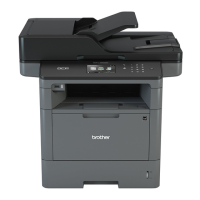
Related Models: MFC-L5700DW/MFC-L5705DW/MFC-L5800DW/MFC-L5850DW/MFC-L5900DW/
MFC-L6700DW/MFC-L6800DW
1. Press [Settings] > [All Settings] > [Network] > [E-mail/IFAX] > [Manual POP3
Receive].
2. Press [Yes] to confirm.
3. The LCD displays [Receiving] and your machine will print the data from the email server.
Related Information
• Configure the Brother Machine for Email or Internet Fax (I-Fax)
377


 To Next Page
 Loading...