Home > Fax > Send a Fax > Send a Fax at a Specified Time (Delayed Fax)
Send a Fax at a Specified Time (Delayed Fax)
Related Models: MFC-J1170DW
You can store up to 50 faxes in the machine's memory to be sent within the next twenty-four hour period.
This feature is available only for black and white faxes.
1. Load your document.
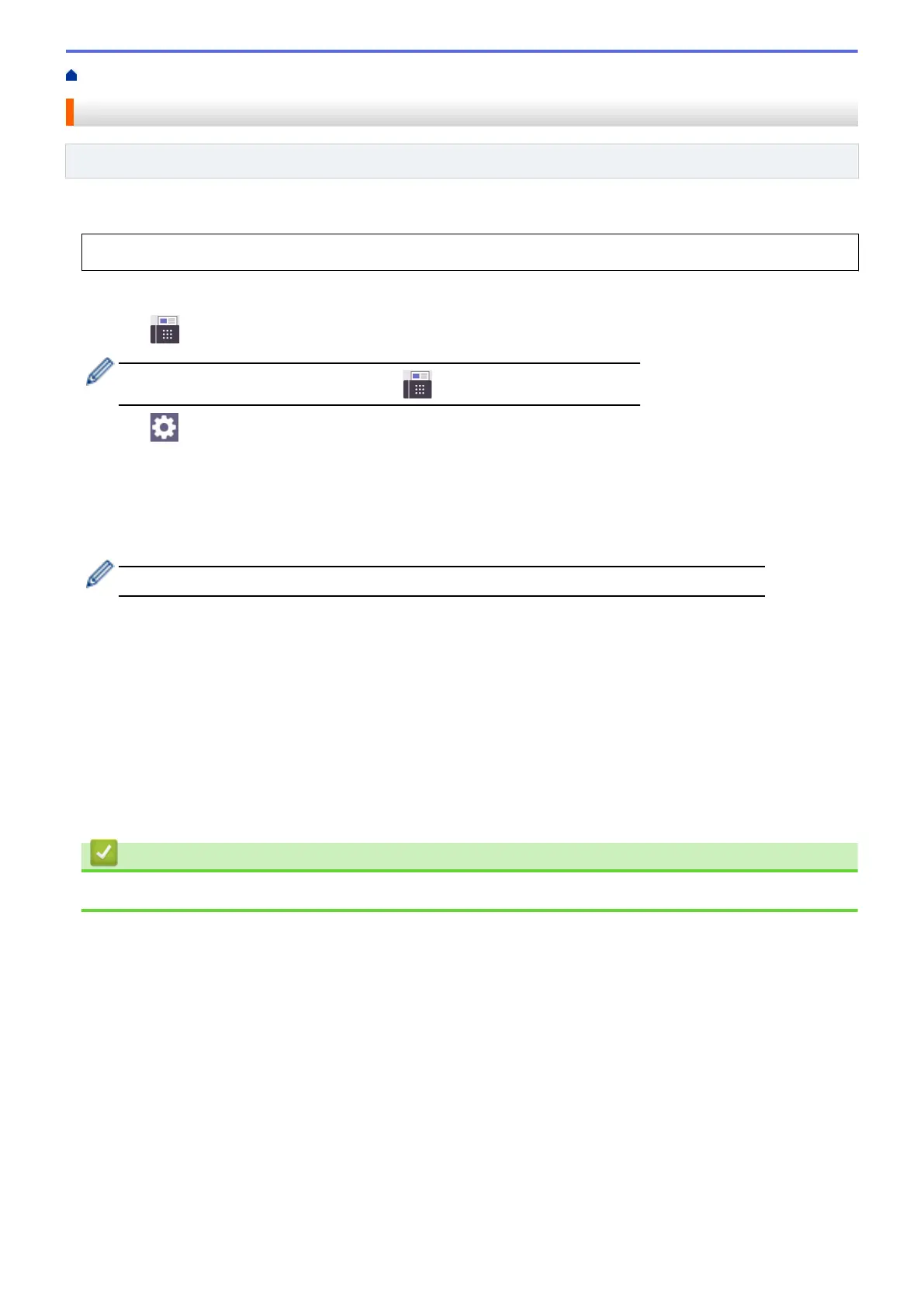
2. Press [Fax].
If [Fax Preview] is set to [On], press [Fax] > [Sending Faxes].
3. Press [Options] > [Delayed Fax].
4. Press [Delayed Fax].
5. Press [On].
6. Press [Set Time].
7. Enter the time you want the fax to be sent using the touchscreen. Press [OK].
The number of pages you can scan into the memory depends on the amount and type of data.
8. Press [OK].
9. Enter the fax number.
10. Press [Fax Start].
• If you are using the scanner glass, go to the next step.
11. When the touchscreen displays [Next page?], do one of the following:
• Press [No] when finished scanning pages.
• Press [Yes] to scan another page. Place the next page on the scanner glass, and then press [OK]. The
machine starts scanning the page.
Repeat this step for each additional page.
Related Information
• Send a Fax
150


 To Next Page
 Loading...