Home > Network > Wireless Network Settings > Enable/Disable Wireless LAN
Enable/Disable Wireless LAN
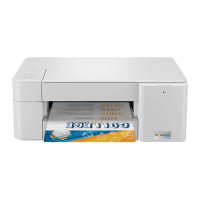
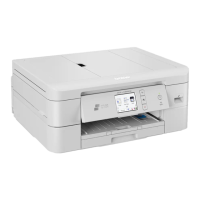
>> MFC-J1010DW/MFC-J1012DW
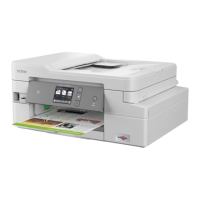
>> MFC-J1170DW
MFC-J1010DW/MFC-J1012DW
1. Press Settings.
2. Press a or b to make your selections:
a. Select [Network]. Press OK.
b. Select [WLAN(Wi-Fi)]. Press OK.
c. Select [WLAN Enable]. Press OK.
d. Do one of the following:
• To enable Wi-Fi, select [On]. Press OK.
• To disable Wi-Fi, select [Off]. Press OK.
MFC-J1170DW
1. Press [Settings] > [Network] > [Network I/F].
2. Do one of the following:
• To enable Wi-Fi, select [WLAN(Wi-Fi)].
• To disable Wi-Fi, select [Wired LAN].
3. Press .
Related Information
• Wireless Network Settings
280


 To Next Page
 Loading...