8
Connect the power cord to the
QL-710W/720NW and then plug the
power cord into an electrical outlet.
• Check that the electrical outlet is 120V
AC before plugging the power cord.
• Unplug the power cord from the
electrical outlet after you have finished
using the QL-710W/720NW.
• Do not pull the power cord when
unplugging it from the electrical outlet.
The wire in the power cord may
become damaged.
• Do not connect the QL-710W/720NW
to the computer until directed to do so
when installing the printer driver.
Front Rear
When the Wi-Fi lamp is lit, wired network connections
are disabled.
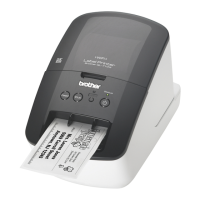
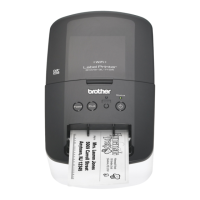
2 Parts Description
Main Printing Unit
DK Roll compartment cover
Feed
button
Cut
button
Wi-Fi
button
ON/OFF
button
Status
lamp
Wi-Fi
lamp
Power cord
USB port
Power port
USB port
LAN portSerial port
<QL-710W>
Power port
Power cord
<QL-720NW>
3 Connecting the Power Supply
The plug may differ by countries.


 To Next Page
 Loading...