EasyManua.ls Logo

Brother Sewing Machine - User Manual

Brother Sewing Machine
212 pages
Print Icon
To Next Page IconTo Next Page
Loading...
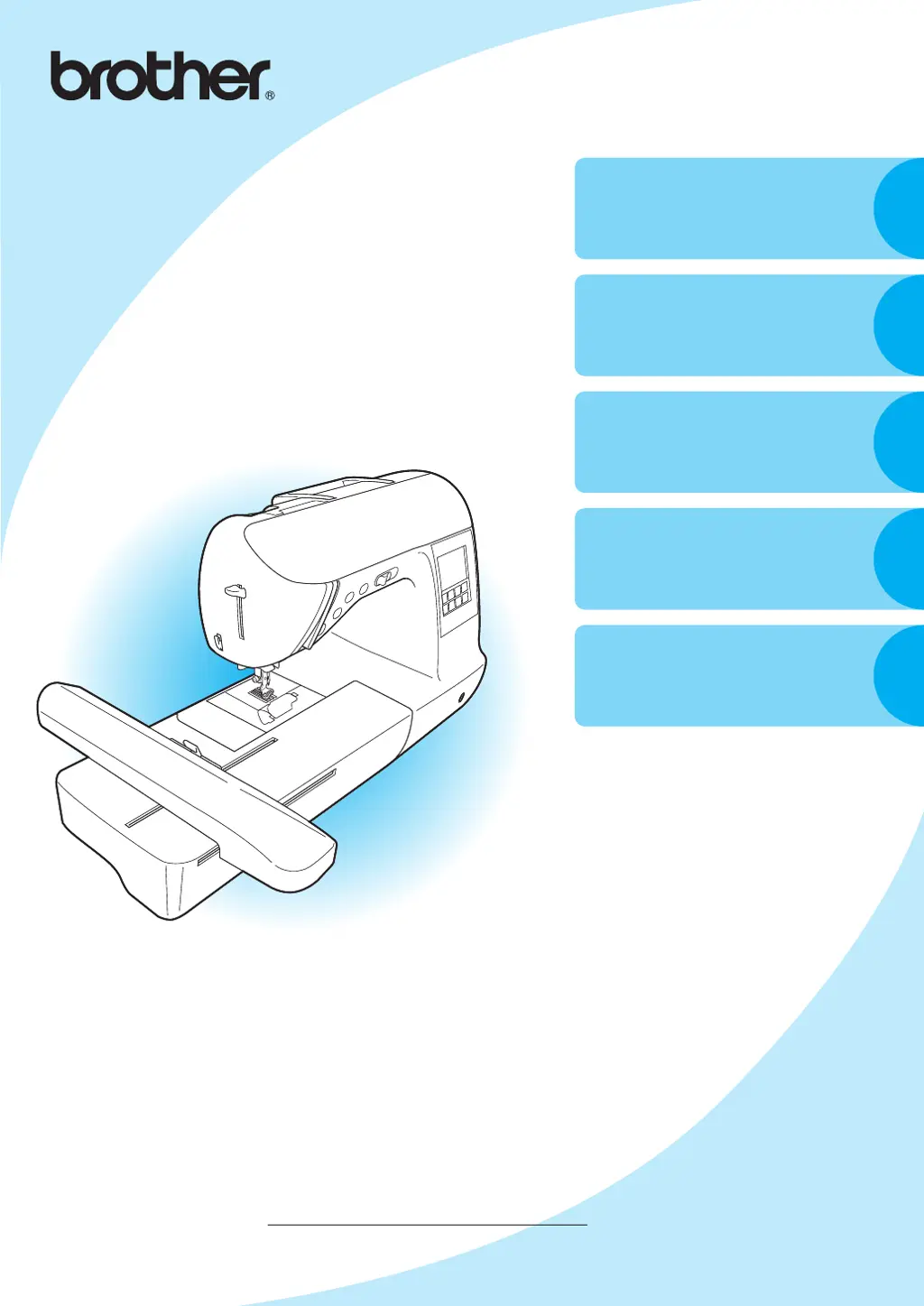
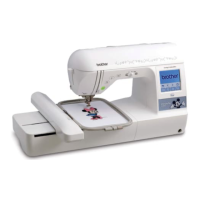
Computerized Embroidery and Sewing Machine
Operation Manual
GETTING READY
SEWING BASICS
UTILITY STITCHES
EMBROIDERY
APPENDIX
1
2
3
4
5
Please visit us at http://solutions.brother.com where you can
get product support and answers to frequently asked questions (FAQs).
Product Code: 885-U01

Table of Contents

Other manuals for Brother Sewing Machine

Questions and Answers

  • K
    Kristina JonesAug 21, 2025
    How to fix a Brother Sewing Machine that does not work?
    • J
      Joshua WilliamsAug 21, 2025
      If your Brother Sewing Machine does not work, first ensure it is properly plugged in and that the main power switch is turned on. Also, make sure the bobbin winder shaft is moved to the left and that you are using the foot controller correctly.
  • J
    James MooreSep 5, 2025
    Why is my Brother making a high-pitched noise?
    • N
      natashaperrySep 5, 2025
      If there is a high-pitched noise while sewing with your Brother Sewing Machine, clean the shuttle race to remove any dust. Correct the upper threading. Make sure to oil the machine once a week if you use it more than an hour a day, or every day if you use it more often.
  • M
    Michael FrederickSep 4, 2025
    Why is the lower thread tangled on my Brother Sewing Machine?
    • E
      ecookSep 4, 2025
      If the lower thread of your Brother Sewing Machine is tangled or breaks, wind the bobbin thread properly and replace the bobbin if it is scratched or doesn't turn smoothly. Remove any tangled thread and clean the shuttle race. Use only a bobbin designed for your machine and reset the bobbin thread correctly.
  • J
    jenniferedwardsSep 2, 2025
    What to do if the upper thread breaks on my Brother Sewing Machine?
    • A
      Ashley JohnsonSep 2, 2025
      If the upper thread of your Brother Sewing Machine breaks, check that you have threaded the upper thread properly, ensuring the spool is fitted correctly and the thread is in the guide above the needle. Remove any knots or tangles in the thread. Use a needle appropriate for the thread you are using and loosen the upper thread tension. Also, remove any tangled thread, cleaning the shuttle race if necessary.
  • R
    Roberto AdamsSep 1, 2025
    Why isn't the fabric feeding through my Brother ?
    • J
      jennifer18Sep 1, 2025
      If the fabric isn't feeding through your Brother Sewing Machine, consider these potential causes: * Ensure you are using the right combination of fabric, thread, and needle. * Check for and remove any tangled thread, especially in the shuttle race.
  • C
    Cynthia MeyerAug 30, 2025
    Why does my Brother Sewing Machine make a high-pitched noise?
    • Q
      qmccoyAug 30, 2025
      If your Brother Sewing Machine is making a high-pitched noise, consider these possible causes: * Dust may have built up in the feed dogs or in the shuttle race; clean the shuttle race. * Ensure that you have threaded the upper thread properly. * Ensure that you are using a bobbin that has been designed for this machine. * Make sure to oil the machine once a week if you use it more than an hour a day. If you use it more often, oil every day.
  • T
    Tyler RobertsonAug 29, 2025
    How to prevent skipped stitches on my Brother Sewing Machine?
    • C
      Candace BaldwinAug 29, 2025
      To prevent skipped stitches on your Brother Sewing Machine, consider the following: * Ensure that you have threaded the upper thread properly. * Use the right combination of fabric, thread, and needle. * Replace the needle if it is bent or blunt. * Insert the needle properly. * Remove the needle plate cover and clean the plate and the shuttle race to eliminate accumulated dust.
  • M
    Mary CervantesAug 27, 2025
    Why my Brother Sewing Machine doesn't work?
    • L
      Laura KellyAug 27, 2025
      If your Brother Sewing Machine isn't working, there are several potential causes: * The machine might not be plugged in, so ensure it is properly connected to a power source. * The main power switch could be turned off; make sure to switch it on. * Check if the bobbin winder shaft is pushed to the right and move it to the left. * Verify that you are using the foot controller correctly.
  • D
    Daniel GouldAug 25, 2025
    Why is my Brother Sewing Machine fabric not feeding properly?
    • H
      Heidi GreenAug 25, 2025
      If your Brother Sewing Machine fabric does not feed, choose a thread and needle that are appropriate for the type of fabric. Remove any tangled thread; if the thread is tangled in the shuttle race, clean the shuttle race.
  • A
    Amanda FieldsAug 23, 2025
    Why does the needle keep breaking on my Brother ?
    • A
      andrea94Aug 23, 2025
      If the needle of your Brother Sewing Machine breaks, make sure that you have inserted the needle properly and that the needle clamp screw is firmly tightened. Replace the needle if it is bent or blunt. Ensure you're using the correct combination of fabric, thread, and needle. Also, attach the correct presser foot for the stitch you are using and loosen the upper thread tension. Lightly guide the fabric instead of pulling it too much.

Summary

IMPORTANT SAFETY INSTRUCTIONS

DANGER

Reduce risk of electric shock.

WARNING

Reduce risk of burns, fire, electric shock, or injury.

General Safety Guidelines

Operating, cleaning, and handling precautions.

GETTING READY

Turning the Machine On;Off

How to turn the sewing machine on and off.

Winding;Installing the Bobbin

Procedures for winding and inserting the bobbin.

Upper Threading

Positioning the spool and threading the needle.

SEWING BASICS

General Sewing Procedure

Step-by-step guide for basic sewing operations.

EMBROIDERY

Successful Embroidering

Preparations and basic procedures for embroidery.

Embroidery step by step

Outline of the embroidery process.

Preparing the Fabric

Stabilizing and hooping fabric for embroidery.

Embroidering

Steps for sewing embroidery and appliquéing.

APPENDIX

Troubleshooting

Solutions for common operational problems.

Brother Sewing Machine Specifications

General IconGeneral
BrandBrother
ModelSewing Machine
CategorySewing Machine
LanguageEnglish

Related product manuals